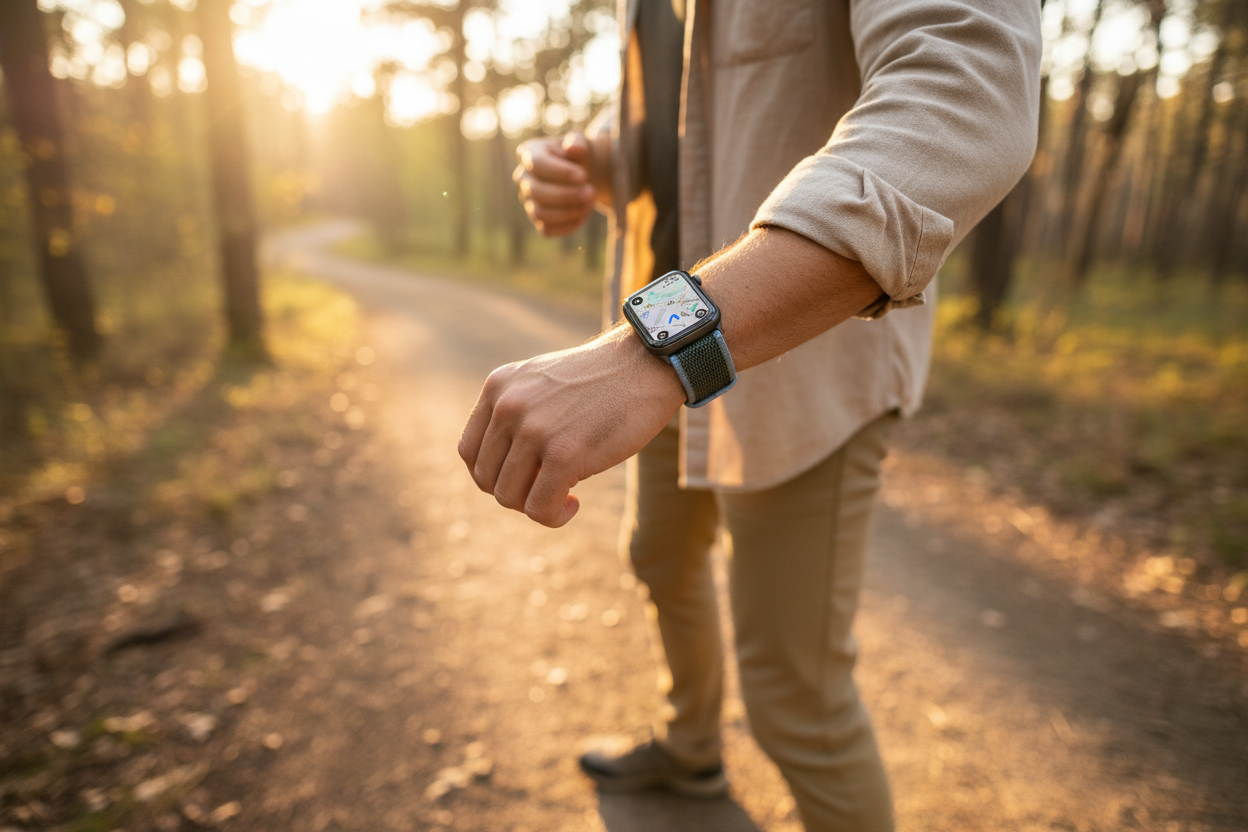
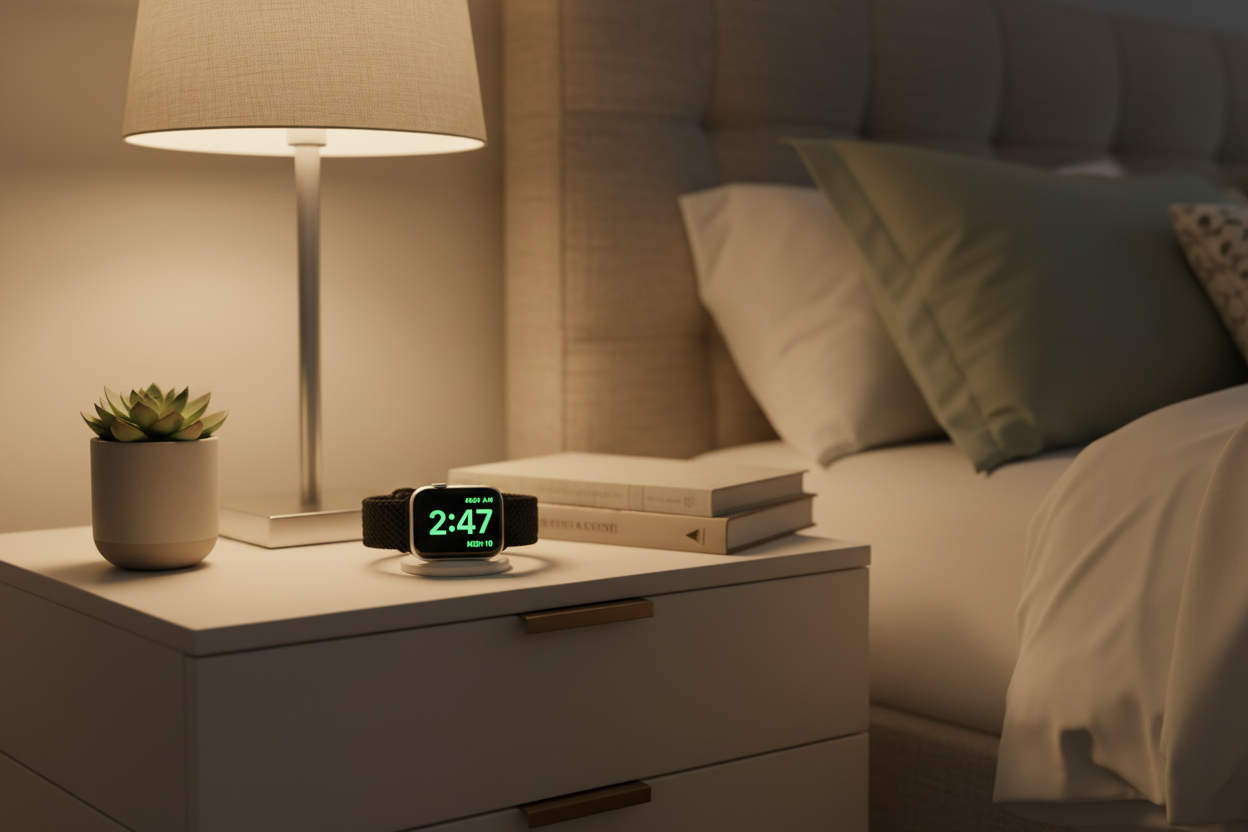
There are many ways to personalize your Apple Watch experience, but some of the most clever settings are buried deep in the menus. As a daily Apple Watch user, these tweaks can make a huge difference in how you interact with your watch. Here are five ways to make your Apple Watch more you.
1. Change Your Side Button from Recents to Favorites
Hitting the side button shows your recent apps by default — but you can change this to display your favorite apps instead. For those who only use a handful of apps regularly, this saves you from combing through the homescreen every time. Here's how:
- Open Settings on your Apple Watch
- Scroll down to Dock
- Select Favorites
Once changed, you can manage your Favorites through the Watch app on your iPhone under My Watch > Dock.
2. Never Be Late for an Appointment Again
Did you know you can offset the clock on your Apple Watch by up to one hour? Your watch can display a time ahead of the actual time — perfect for those of us who struggle to be on time. Best of all, this won't affect your alarms, just the displayed time. Here's how:
- Open Settings on your Apple Watch
- Scroll down and tap Clock
- Adjust the time offset as you like
3. Zoom Around Your Apple Watch (Literally)
Apple Watch screen feel a little small? Instead of increasing text size, try enabling Zoom. With a double tap using two fingers, you can use the Digital Crown to freely zoom in and out on any screen. Double tap again to return to normal. Here's how to enable it:
- Open Settings on your Apple Watch
- Scroll down and tap Accessibility
- Tap Zoom and enable the feature
4. Mirror Airplane Mode to Your iPhone
With this setting, your iPhone will automatically mirror the Airplane Mode and Wi-Fi settings of your Apple Watch — no need to toggle both devices separately. A small change that makes a big difference if you use Airplane Mode frequently. Here's how:
- Open the Watch app on your iPhone
- Tap General in the My Watch tab
- Tap Airplane Mode
- Toggle on Mirror iPhone
5. Be Mindful on Your Own Terms
The Apple Watch's mindfulness reminders are helpful for some, but three daily reminders can feel excessive. You can easily turn them off or adjust the frequency to suit your lifestyle:
- Open Settings on your Apple Watch
- Scroll down and tap Mindfulness
- Adjust the notifications to your liking
Follow us on Instagram @ownloop for all our latest tips and tricks, and visit ownloop.com for the most comfortable Apple Watch bands around.