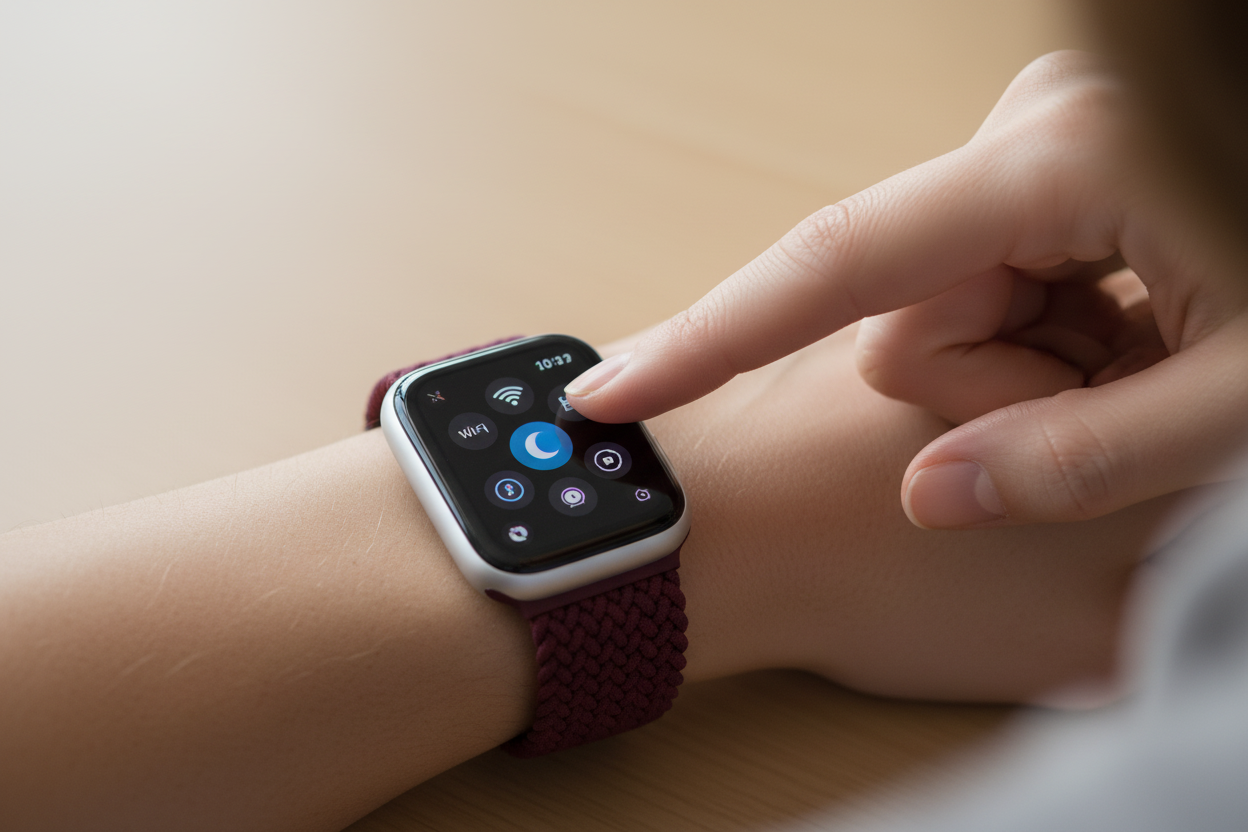
Even if you've had an Apple Watch since the early days, Apple's constant watchOS updates mean there are always new hidden gems tucked away in the settings. Whether you're wearing the latest Series 11 or an SE, these three features are game-changers for convenience and fitness.
1. Transform Your Nightstand
If you charge your watch by your bed, Nightstand Mode (also called Bedside Mode) is a must. When your watch is charging on its side, it transforms into a digital bedside clock with oversized, easy-to-read digits.
Why use it: The screen stays dark to help you sleep but glows softly if you nudge the nightstand or tap the surface. It also integrates with your iPhone alarms for a seamless wake-up.
How to enable: Go to Settings > General > Nightstand Mode.
2. Multi-Sport "Chain" Workouts
Tired of ending one workout just to start another? You can link different activities into one continuous session — perfect if you like to follow a heavy lifting session with a cardio cooldown or a walk.
Why use it: It keeps your fitness data in one coherent timeline rather than splitting your morning gym trip into separate entries.
How to use it: In the Workout app, swipe right during an active workout and tap the "+" button to add the next activity immediately.
3. Wander Without Data (Offline Maps)
One of the best recent additions is Offline Maps. You can now navigate unfamiliar streets or trails even without a cellular connection or your iPhone nearby.
Why use it: A lifesaver for international travel or hiking in areas with spotty signals. You still get turn-by-turn directions and haptic taps on your wrist to tell you when to turn.
How to set up: On your iPhone, open Apple Maps, tap your profile icon, and select Offline Maps. Download the area you need and it will automatically sync to your watch.
Pro Tip: With improved battery management in the latest watchOS, using GPS and Offline Maps will help preserve your battery life!
Try these features and pair your Apple Watch with the most comfortable bands you'll ever wear!