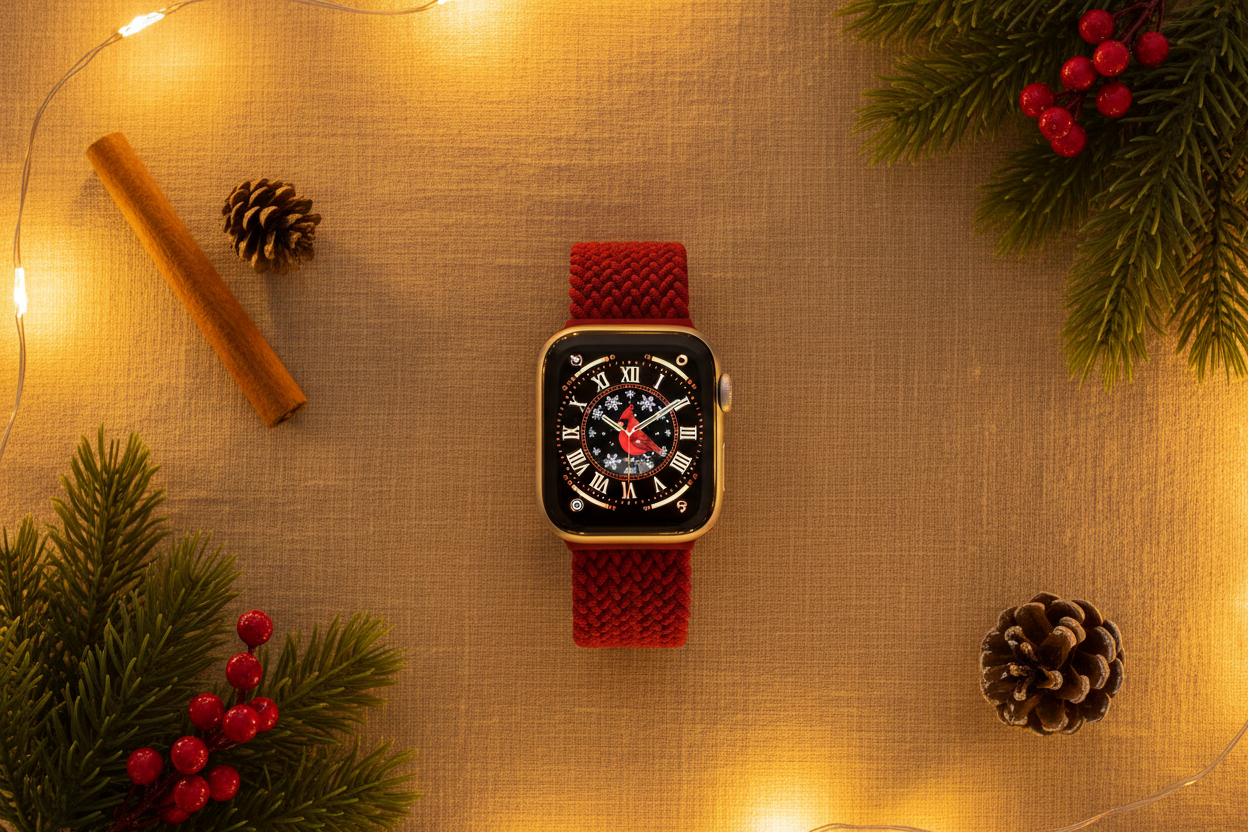
The best Apple Watch holiday faces include built-in options like the Photos or Portrait watch faces to use your own holiday pictures, as well as third-party apps and websites that offer curated collections of seasonal designs. You can find traditional and modern festive styles, animated faces with snowflakes, and hand-drawn or 3D designs on sites like Etsy or through apps like Watch Faces Gallery.
Built-in Options
You can easily customize these standard Apple Watch faces with your own festive imagery or subtle color changes:
- Photos or Portrait watch faces: Use your own holiday pictures, such as photos of Christmas trees, Santa, or snowmen.
- Lunar or Solar Analog: For a more subtle holiday look, use the Solar Analog face, customized with a blackout theme and shadow effect.
Third-Party Apps and Websites
For unique and detailed designs, explore these external sources:
- Etsy: Find a wide variety of digital watch faces with themes like Santa, reindeer, snowmen, and Christmas trees.
- Apple Watch Face Gallery apps: Explore apps like Watch Faces Gallery for iWatch or Watch Faces Gallery & Widgets for curated collections that are easy to install.
- Clockology: Discover festive options ranging from classic Christmas imagery to modern minimalist designs, and even animated choices with twinkling lights or falling snowflakes.
How to Install and Customize
- For built-in and third-party apps: Many third-party apps offer a simple one-tap installation process for their watch faces.
- For third-party digital files: If you download a digital watch face from a site like Etsy, you can often use the Photos watch face to set it as your background.
- Create your own: Find an image online, take a screenshot, edit it, and set it as your watch face through the Photos watch face settings on your Apple Watch.
Pair your custom watch face with the most comfortable bands you'll ever wear!