Shorter days don’t have to mean leaving your fitness routine behind. Crisp air can make an autumn walk or run inviting, while darker mornings and earlier sunsets are a good reason to rethink your route, timing, and gear.
Here are practical ways to use your Apple Watch during the late-fall season.
Keep Your Workout Screen Easy to Read
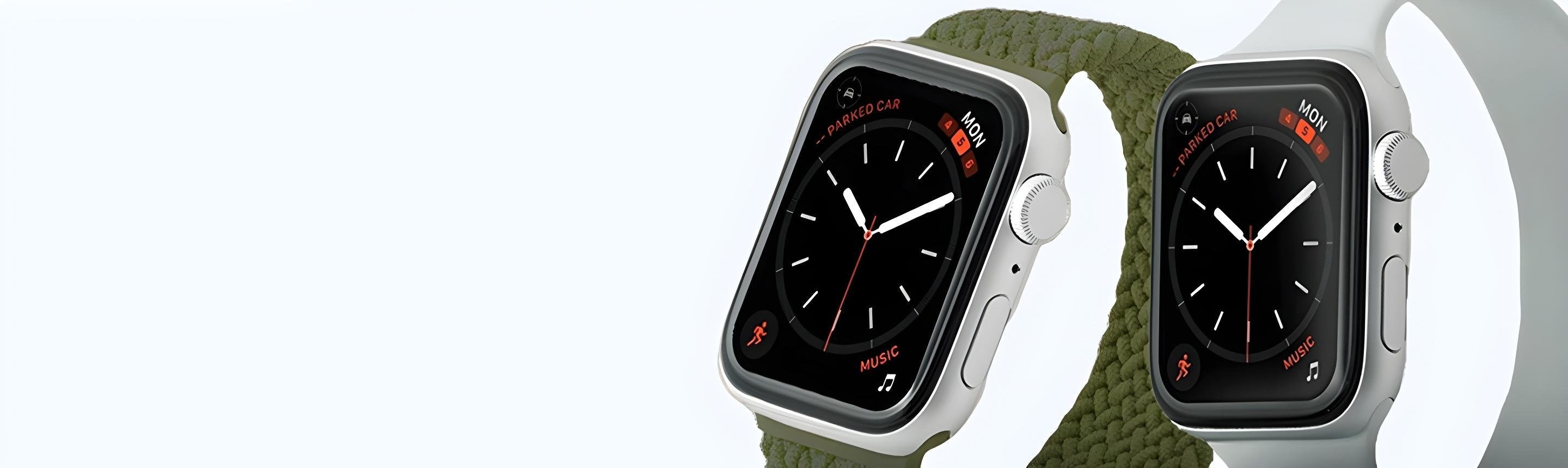
Choose a watch face with a clear layout and strong contrast so you can check the time at a glance. During a workout, keep the metrics you use most easy to find rather than filling your screen with information you rarely need.
Know Where to Find the Flashlight
Press the side button to open Control Center, then tap the flashlight icon. Swipe left or right to choose steady white, flashing white, or steady red light.
Treat the watch flashlight as a handy extra, not a replacement for a headlamp, reflective clothing, or a well-lit route.
Use Heart Rate Zones to Understand Your Effort
During a cardio-focused workout, such as an outdoor run, turn the Digital Crown to the Heart Rate Zone workout view. It shows your zone, heart rate, time in the current zone, and average heart rate.
The five zones describe estimated effort from easier to harder. Use them as context alongside how you feel, rather than treating a particular zone as a guarantee against injury. Your date of birth must be entered in the iPhone Health app for zones to be calculated.
Make Room for Recovery
On Apple Watch Series 12 and Apple Watch Ultra 4, the Readiness app combines recent activity, vitals, and sleep data to help you understand when to push yourself and when to rest. The feature is available for ages 13 and older.
Readiness does not account for every health factor and should not be your sole guide to deciding whether exercise is safe. Give yourself permission to choose an easier session when you need one.
Review Your Safety Features
Review Fall Detection and choose whether to keep it on at all times or only during workouts. It can help alert emergency services after a detected hard fall, but Apple Watch cannot detect every fall and may mistake high-impact activity for one.
Before heading out, consider setting up Check In with someone you trust. Check In can notify them when you arrive at a destination or complete a workout. Choose the option that matches your plan: completing a workout is not necessarily the same as arriving home.
Finish Your Fall Setup with a Comfortable Band
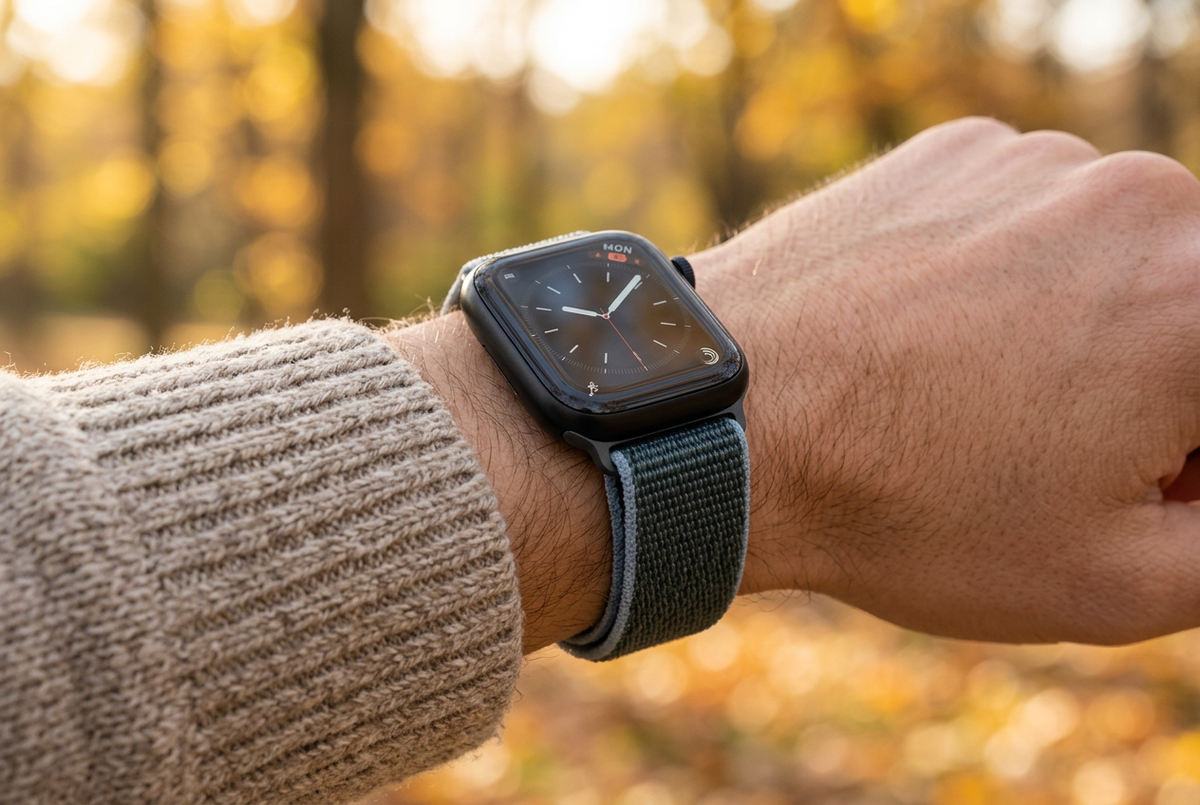
Choose a band that feels comfortable alongside your fall layers, and check the fit before heading out. A simple, repeatable setup makes it easier to keep moving as the season changes.
Pick a familiar route, allow time for a gradual start, and adjust your plans when conditions call for it. Consistency matters more than making every workout your hardest.