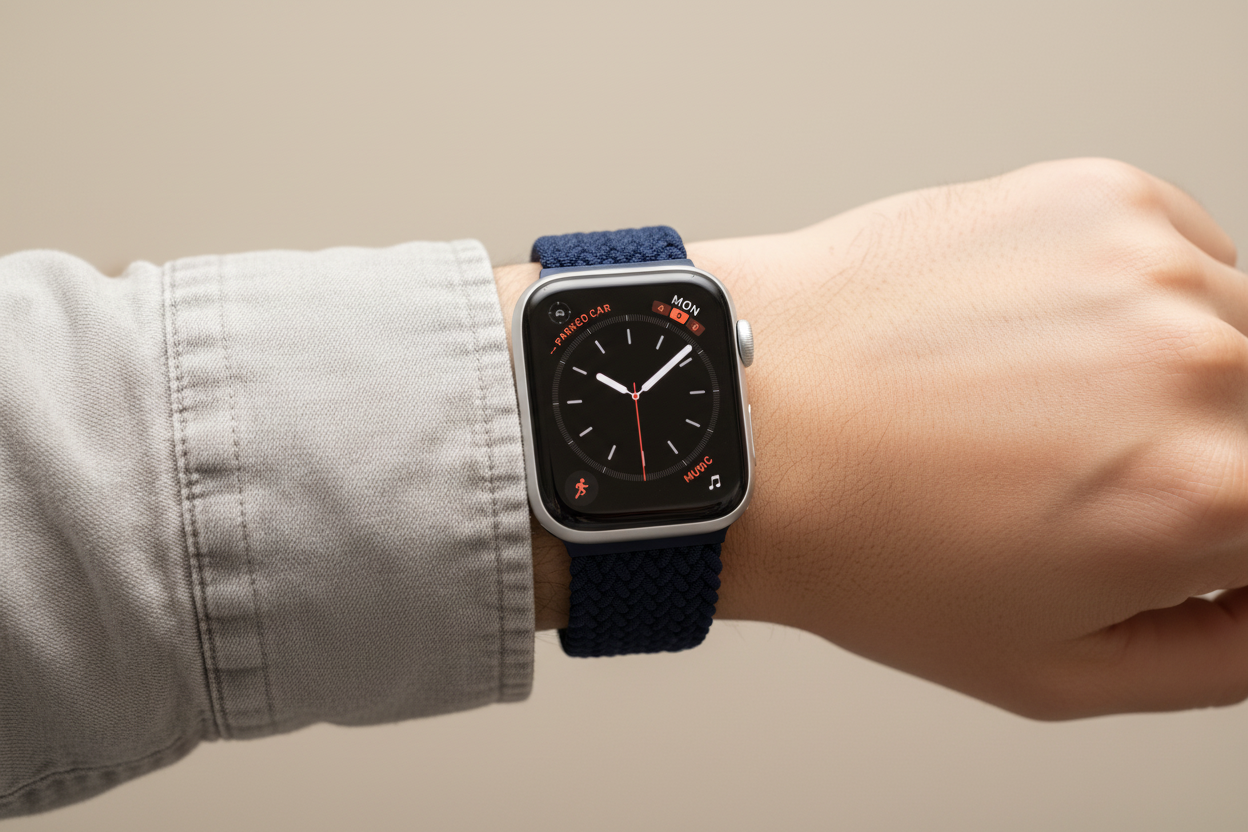
Apple's innovation in wearable technology extends far beyond convenience. In a recent report from Fox5 Atlanta, the Apple Watch's fall detection feature proved to be a lifesaver for Mike Menand, a hiker in Georgia. His dogs inadvertently caused a near-fatal fall, triggering the Apple Watch to automatically call emergency services — a powerful reminder of just how significant this feature can be.
What Is Fall Detection?
Apple Watch's fall detection is an intelligent mechanism designed to identify sudden falls and initiate emergency calls if the user doesn't respond within a minute. Initially activated for users aged 55 and above, it can now be used by anyone 18 years and older.
How It Works
When the watch senses a significant fall, it alerts the wearer through vibrations, sounds, and a visual notification. If the user doesn't respond by dismissing the alert or indicating they're okay, the watch automatically contacts emergency services. Designated emergency contacts also receive a text message with the wearer's location.
How to Set Up Fall Detection
- Open the Apple Watch app on your iPhone.
- Navigate to the My Watch tab and select Emergency SOS.
- Toggle on Fall Detection.
- Choose between Always On or Only During Workouts based on your preference.
Note: Users under 55 can enable fall detection, but it defaults to activating only during workouts. Everyone can benefit from this feature regardless of age.
Cautions and Considerations
Fall detection is a valuable safety tool, but it's not foolproof. Apple acknowledges its limitations in detecting all falls and cautions about potential false alerts during high-impact activities.
Ensuring Your Safety
Regularly review your Medical ID and emergency contact information in the Health app to ensure accuracy. You can also check your fall history in the app to monitor detections and confirm proper functionality.
How Emergency SOS Calls Work
The watch waits for the user's response before automatically contacting emergency services. If the wearer remains immobile for about a minute after a fall, the watch initiates the call and notifies emergency contacts with the incident details and location.
The Apple Watch's fall detection feature is a crucial safety asset that can save lives in critical situations. Setting it up properly adds an important layer of protection during unforeseen accidents or emergencies.
Stay safe — and pair your Apple Watch with the most comfortable bands you'll ever wear!