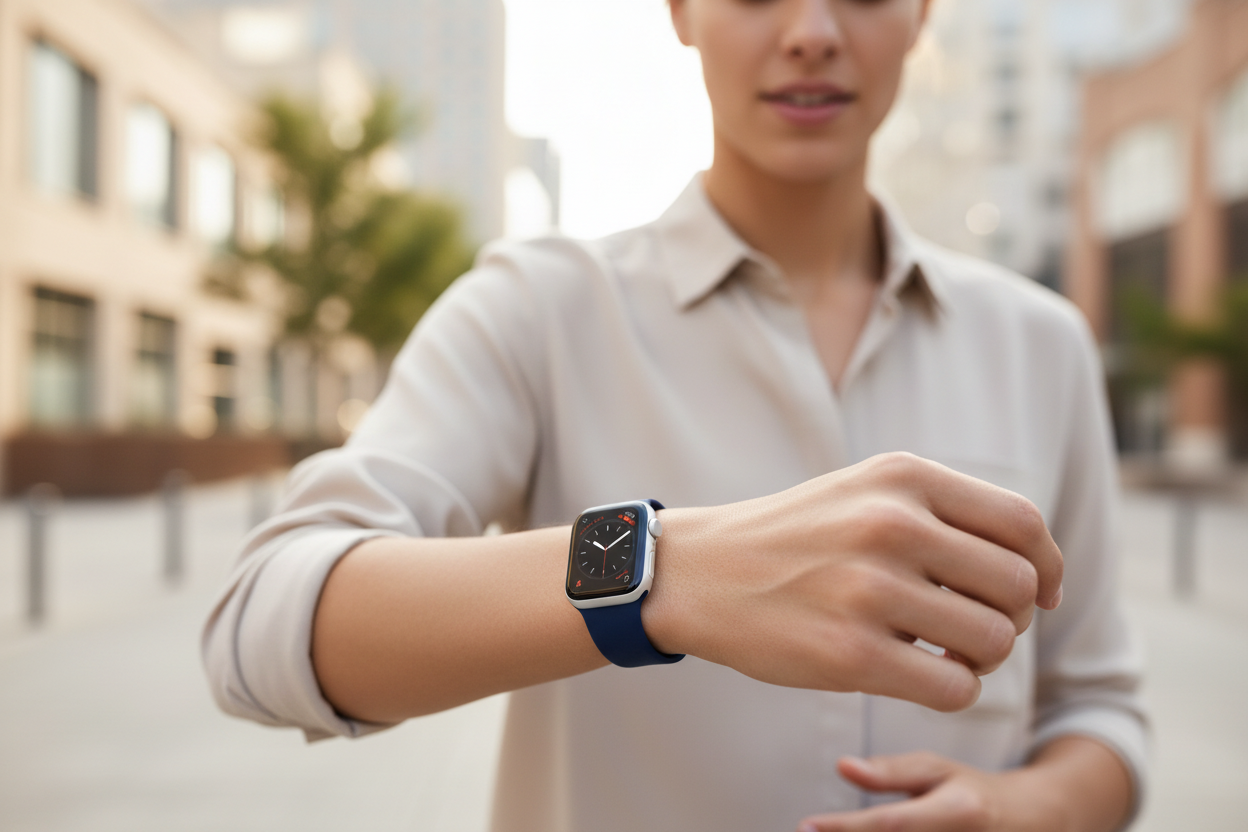
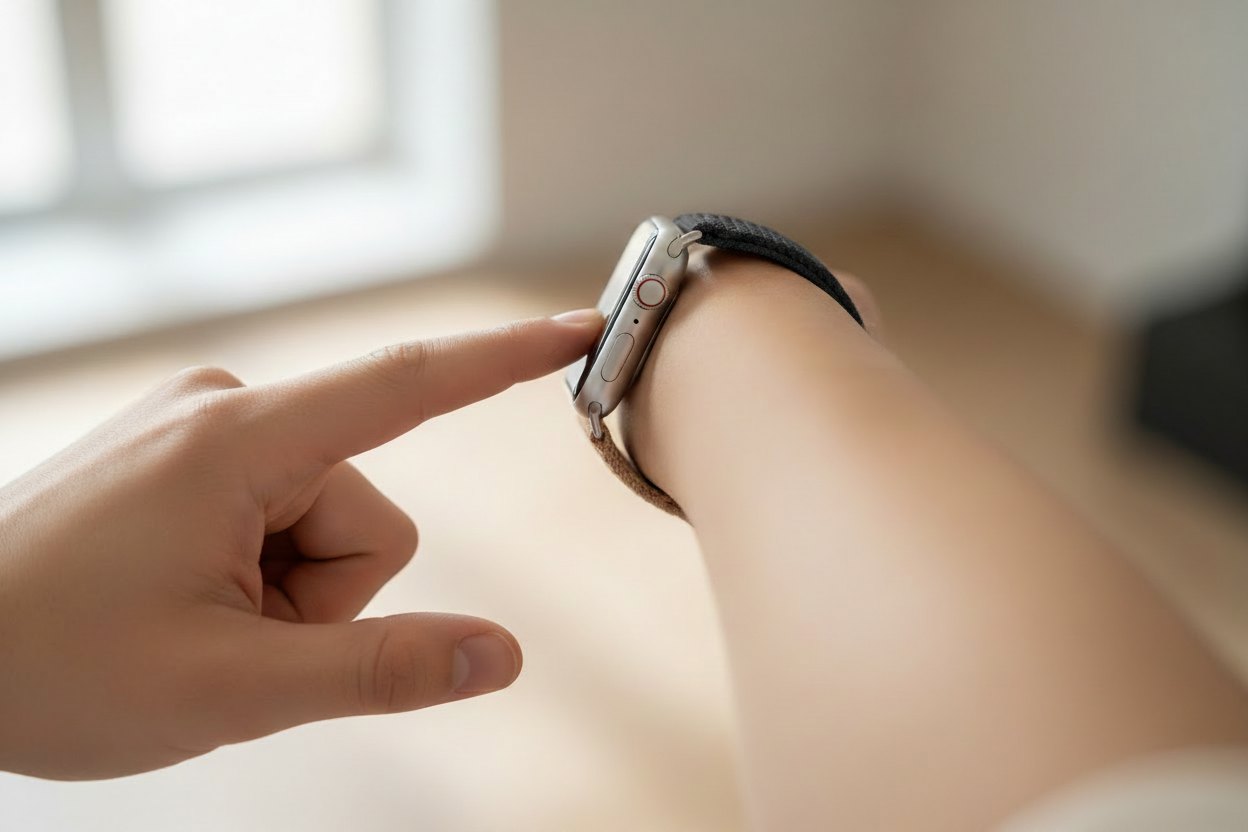
Are you getting the most out of your Apple Watch? Here are five under the radar features you might not know exist.
1. Use Your Apple Watch as a Camera Viewfinder
Camera Remote is one of the best lesser-known features on the Apple Watch. Once activated, your watch displays exactly what your iPhone camera lens sees — making it easy to frame shots and video yourself using the rear-facing camera from a distance.
As long as you're within Bluetooth range, you can activate Camera Remote at any time, even if your iPhone is locked. Just find the camera icon app on your Apple Watch, and you'll instantly see your iPhone camera feed on your wrist. It even has a shutter button so you can snap photos remotely!
2. Use Your Apple Watch as a Nightstand Clock
If you don't wear your watch to bed, Nightstand Mode is a must. It turns your Apple Watch into a bedside clock when it's on the charger, displaying the time, date, charge level, and any scheduled alarms.
To enable it, go to Settings > General > Nightstand Mode on your Apple Watch. Once on, it activates automatically when you lay your watch on a charger with the Digital Crown facing up. Don't worry about the screen light — it goes dark automatically and wakes with a quick nudge or screen tap.
3. Send a Heartbeat to a Friend
Digital Touch lets you send unique, personal communications to friends and family. Open a message on your Apple Watch, tap the App symbol in the lower left corner, then tap the heart to access Digital Touch. Here's what you can send:
- Heartbeat: Hold two fingers on the screen
- Broken heart: Hold two fingers, then slide down when you see the heart
- Sketch: Use one finger to draw an image
- Kisses: Tap the screen with two fingers
- Fireball: Touch and hold the screen with one finger
4. Use Digital Keys for Your Home or Car
One of the most practical under the radar features is the ability to use keys stored in your Wallet to unlock your home or car. Compatible with various smart locks and cars, adding keys to your Wallet only takes a few minutes.
It's as simple as double-pressing the side button to access your Wallet and selecting your key. The feature even stays active for up to five hours after your Apple Watch enters Power Reserve mode, so a low battery isn't a dealbreaker.
5. Water Lock and Eject
The Apple Watch handles water well, but it's smart to use Water Lock when your watch will be submerged. Swipe up to open Control Center and tap the water droplet icon. This deactivates the touchscreen to prevent accidental touches underwater.
To deactivate Water Lock and eject any excess water, simply turn the Digital Crown until your watch confirms the feature has been disabled. Simple and effective!
Follow us on Instagram @ownloop for all our latest content, and visit ownloop.com for the most comfortable Apple Watch bands around.