
Blog

Apple Watch
Take Back Your Focus: Reducing Interruptions on iPhone & Apple Watch
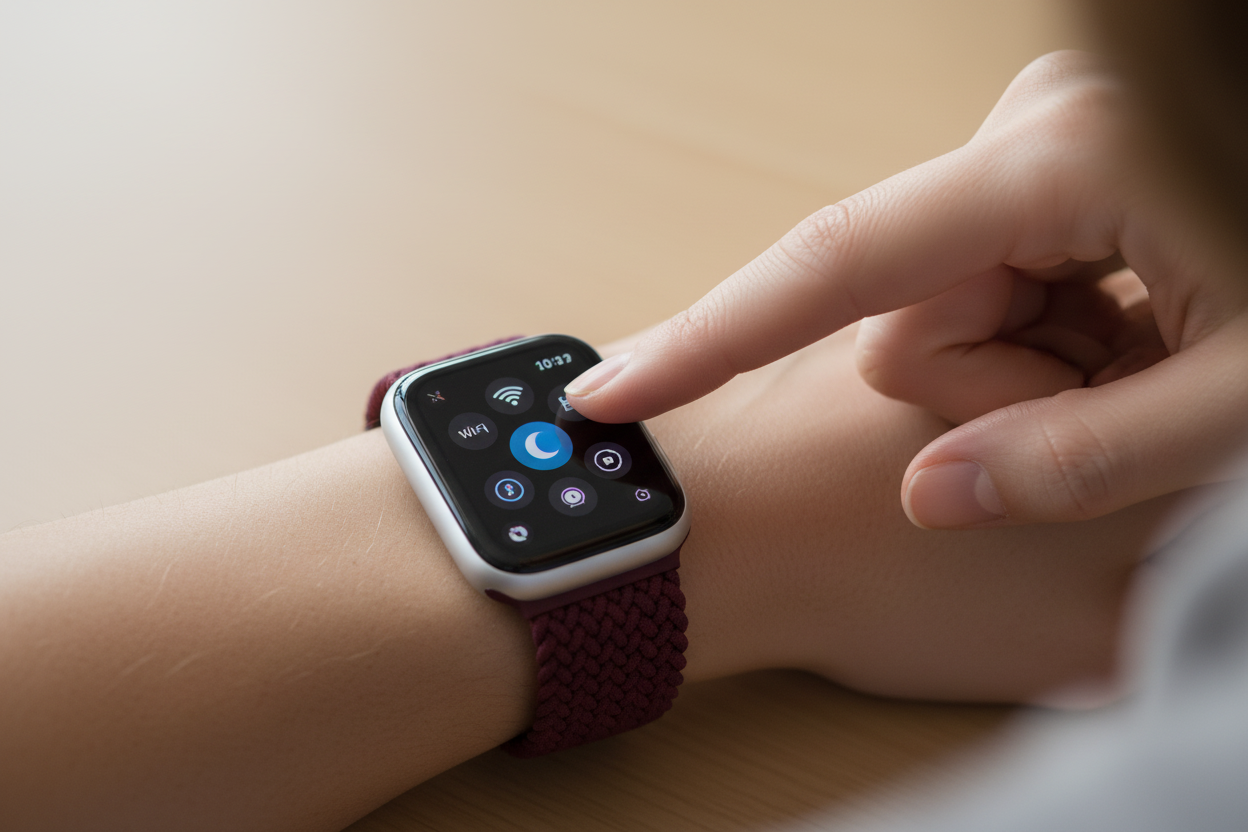
Apple's Reduce Interruptions feature uses AI to filter out non-urgent notifications so you can focus on what matters. Here's what it is, how to set it up, and how to control it from your Apple Watch.
Apple Intelligence
Reduce Interruptions on Your iPhone & Apple Watch
Reduce Interruptions is a smart Focus mode feature that uses Apple Intelligence to filter your notifications — letting through only the urgent ones. Here's what it is, how to set it up, and how to contr...
Apple Watch
Take Back Your Focus: Using Reduce Interruptions on iPhone & Apple Watch
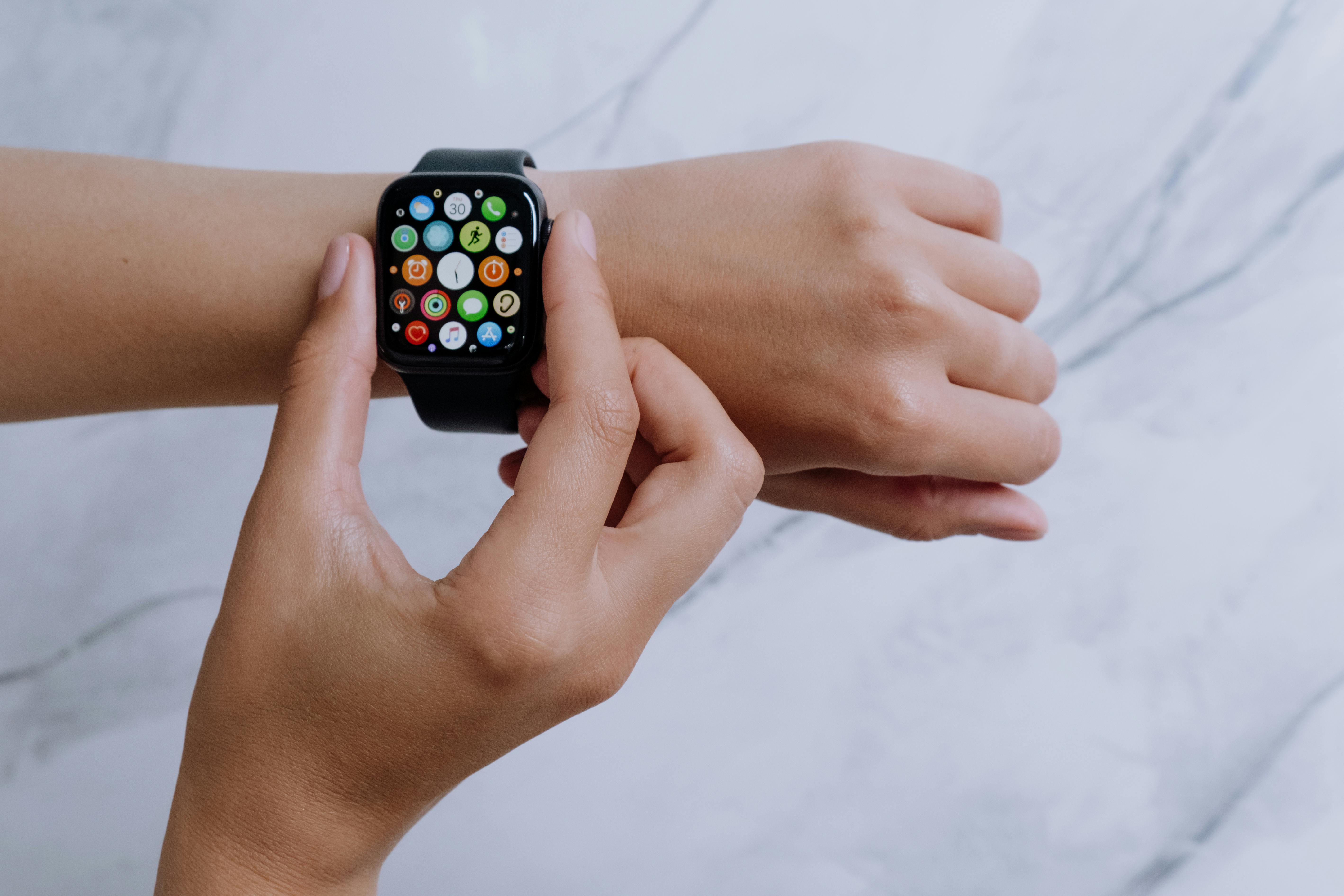
Reduce Interruptions is a smart Focus mode feature that filters your notifications so only the urgent ones get through. Here's how to set it up on iPhone and control it from your Apple Watch.

Apple Watch
4 Essential Emergency Features on Your iPhone and Apple Watch You Should Set Up Today
Your iPhone and Apple Watch have powerful emergency features that could save your life — but only if they're set up. Here's how to activate all four in minutes.

Apple
7 iOS 16 Features You Might Not Know About
iOS 16 brought more than just the headline features. Here are 7 underrated updates that are sure to change how you use your iPhone.

Apple
How to Set Up an Account Recovery Contact on iPhone
iOS 15 introduced Account Recovery Contacts — a simple way to make sure you never get permanently locked out of your Apple account. Here's what it is and how to set it up.

Apple Watch
5 Apple Watch Tips to Bring Convenience Back to Your Wrist
From unlocking your iPhone with your Apple Watch and silencing alerts with your palm, to custom message replies and locating a missing iPhone — 5 tips to make your Apple Watch more convenient.
Apple
5 iPhone Hacks You Probably Didn't Know About
From scanning QR codes and maintaining FaceTime eye contact to tapping the back of your phone for screenshots — here are 5 lesser-known iPhone hacks worth knowing.


