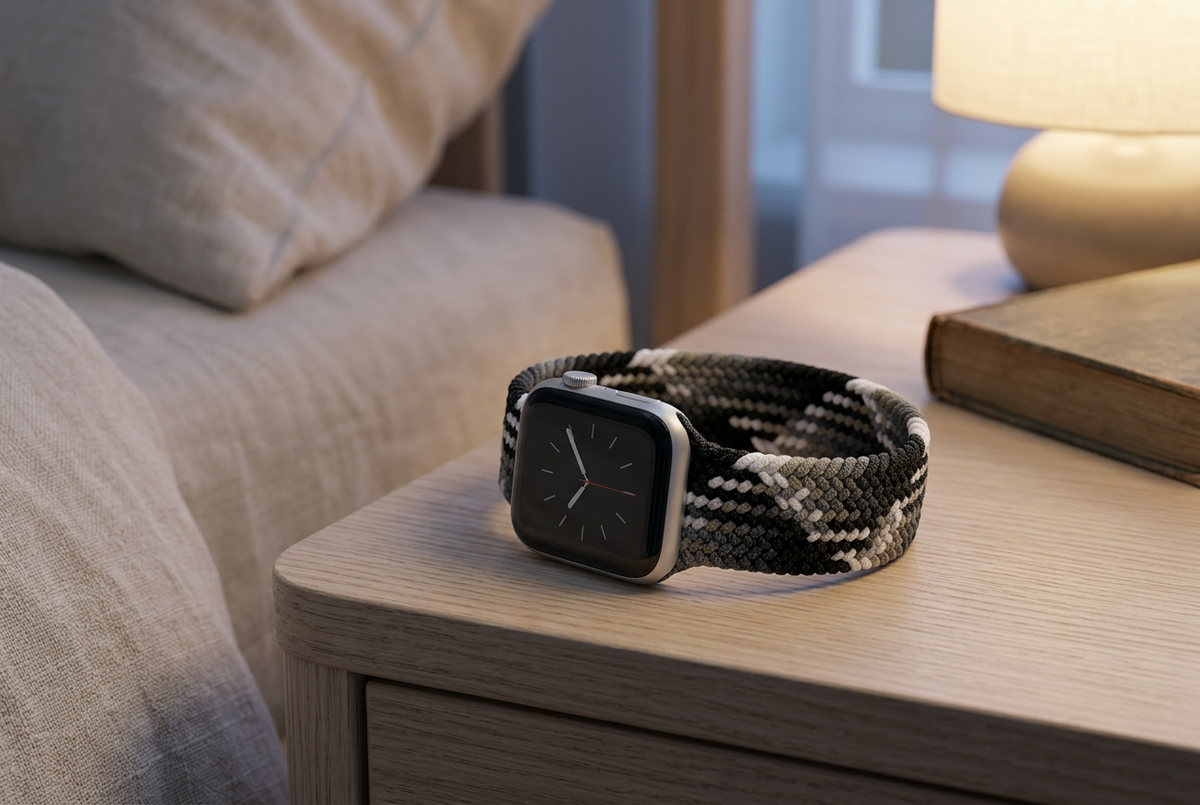
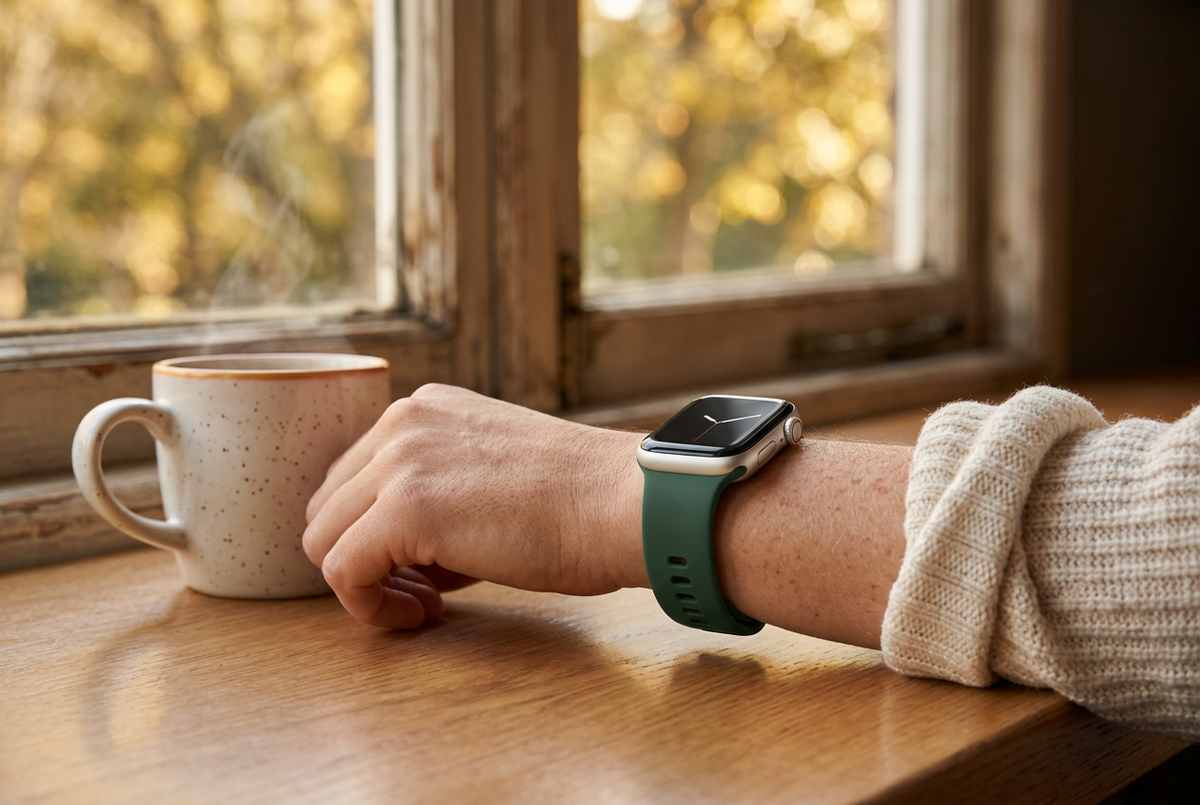
Knowing when to push and when to slow down can be a useful part of a balanced fitness routine. Apple Watch’s Readiness app is designed to offer a daily view of how prepared your body may be for physical activity, with a score that makes recovery information easier to interpret.
Here’s a breakdown of the supported hardware, the score ranges, and how to approach those insights in everyday life.
Which Apple Watch Models Support Readiness?
The Readiness app uses the upgraded Health Sensing System in Apple Watch Series 12 and Apple Watch Ultra 4. This system includes updated optical and electrical sensors, along with larger, more power-efficient green LEDs.
Because the app depends on that hardware, it is not included on older models such as Series 11, Ultra 3, or SE 3 simply by updating to watchOS 27.
At launch, Apple Watch Series 12 starts at $399 and Apple Watch Ultra 4 starts at $799.
What Does the Readiness Score Mean?
The app presents a daily score from 0 to 10, grouped into four categories. Think of it as a prompt to consider your recovery, rather than a guarantee of how a workout will feel.
Go For It: 8–10
This range indicates a higher level of readiness. It may be a useful signal when considering a more demanding session, provided you also feel well and the workout fits your training plan.
Ready: 5–7
A Ready score suggests you’re in a reasonable position for your usual routine or a standard workout. Check in with your energy levels and adjust as needed.
Pace Yourself: 2–4
This range points toward taking things easier. You might consider reducing the intensity of a planned session or choosing a gentler activity, depending on how you feel.
Recover: 0–1
A Recover score encourages prioritizing rest and recovery rather than pushing for performance. Give yourself room to reassess your plans.
Use the Score Alongside How You Feel
A daily number can be helpful, but it cannot tell the whole story. Consider it alongside your sleep, energy, soreness, and overall wellbeing. A high score is not a reason to ignore pain or illness, and a lower score is not a personal setback.
Readiness information is not a diagnosis or medical clearance to exercise. If you have symptoms or concerns about your health or activity level, seek advice from a qualified healthcare professional.
Make Comfort Part of Your Routine
If you wear your Apple Watch throughout the day or overnight, choose a band that feels comfortable and fits securely without being overly tight. Check the product’s watch compatibility and sizing details before selecting your fit.
Whether your day calls for movement or a slower pace, explore Ownloop’s Apple Watch bands to find a style that suits your routine.