
Blog
Apple Watch
Your Apple Watch: The Ultimate Back-to-School Assistant for Parents
Your Apple Watch is the ultimate back-to-school assistant for parents — from scheduling and reminders to Family Setup, Schooltime mode, and Find My. Here's how to make the most of it this season.

Apple Watch
Take Back Your Focus: Reducing Interruptions on iPhone & Apple Watch
Apple's Reduce Interruptions feature uses AI to filter out non-urgent notifications so you can focus on what matters. Here's what it is, how to set it up, and how to control it from your Apple Watch.
Apple Intelligence
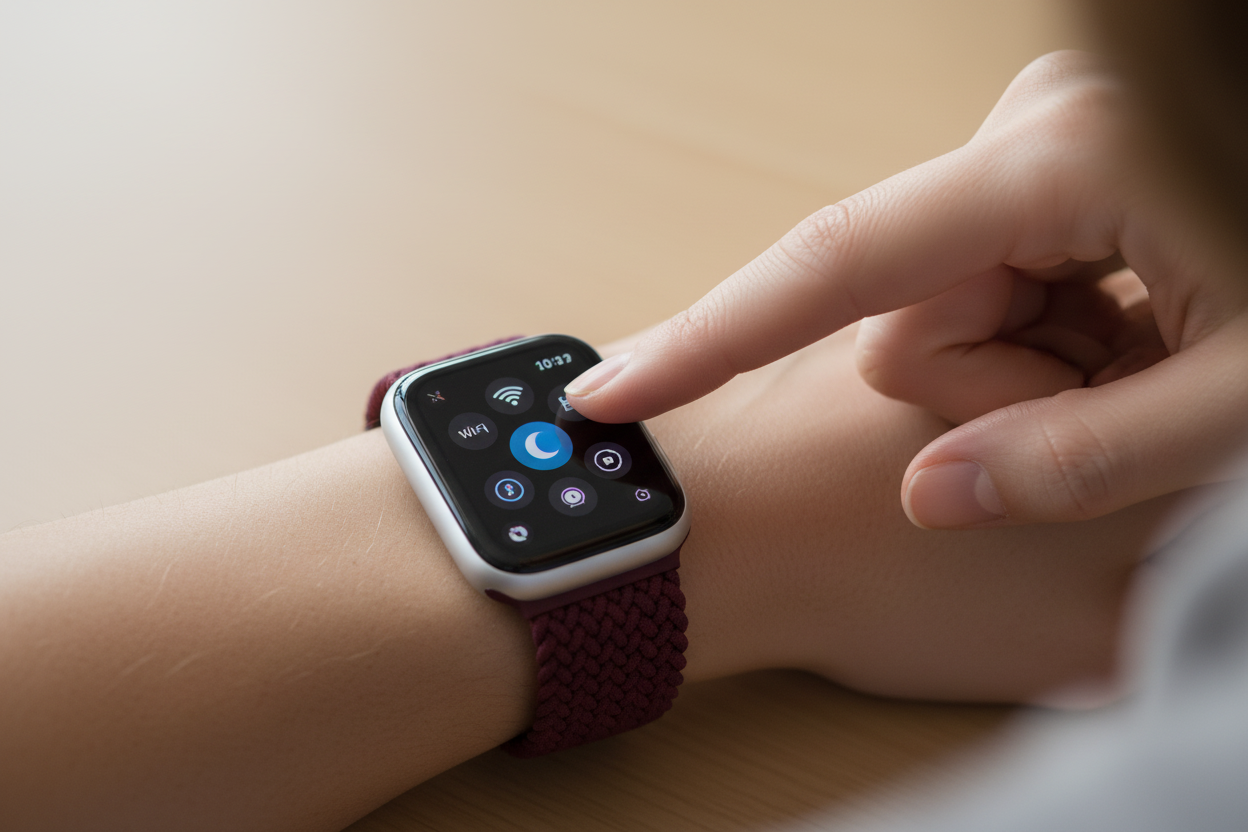
Reduce Interruptions on Your iPhone & Apple Watch
Reduce Interruptions is a smart Focus mode feature that uses Apple Intelligence to filter your notifications — letting through only the urgent ones. Here's what it is, how to set it up, and how to contr...
Apple Watch
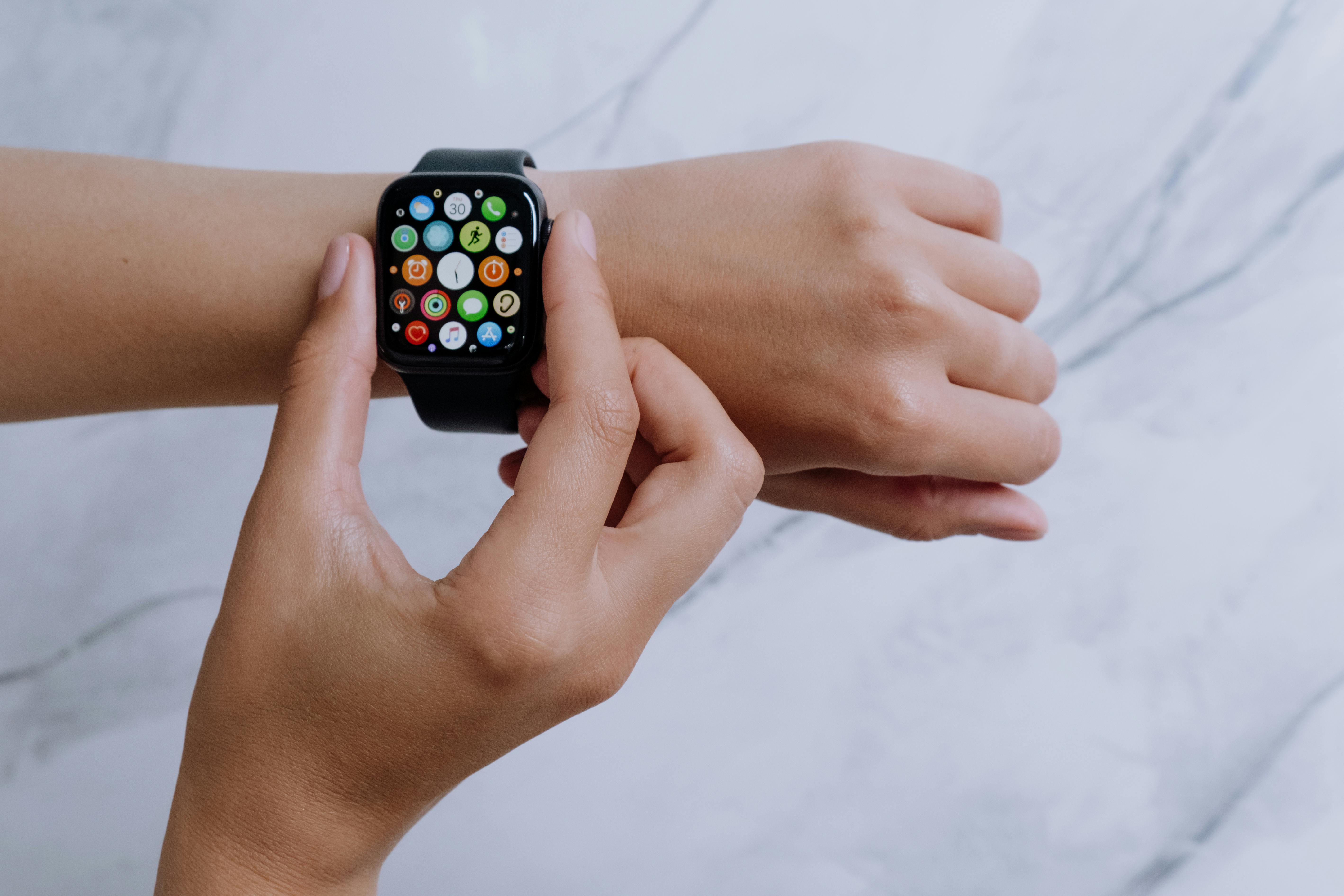
Take Back Your Focus: Using Reduce Interruptions on iPhone & Apple Watch
Reduce Interruptions is a smart Focus mode feature that filters your notifications so only the urgent ones get through. Here's how to set it up on iPhone and control it from your Apple Watch.

Apple Watch
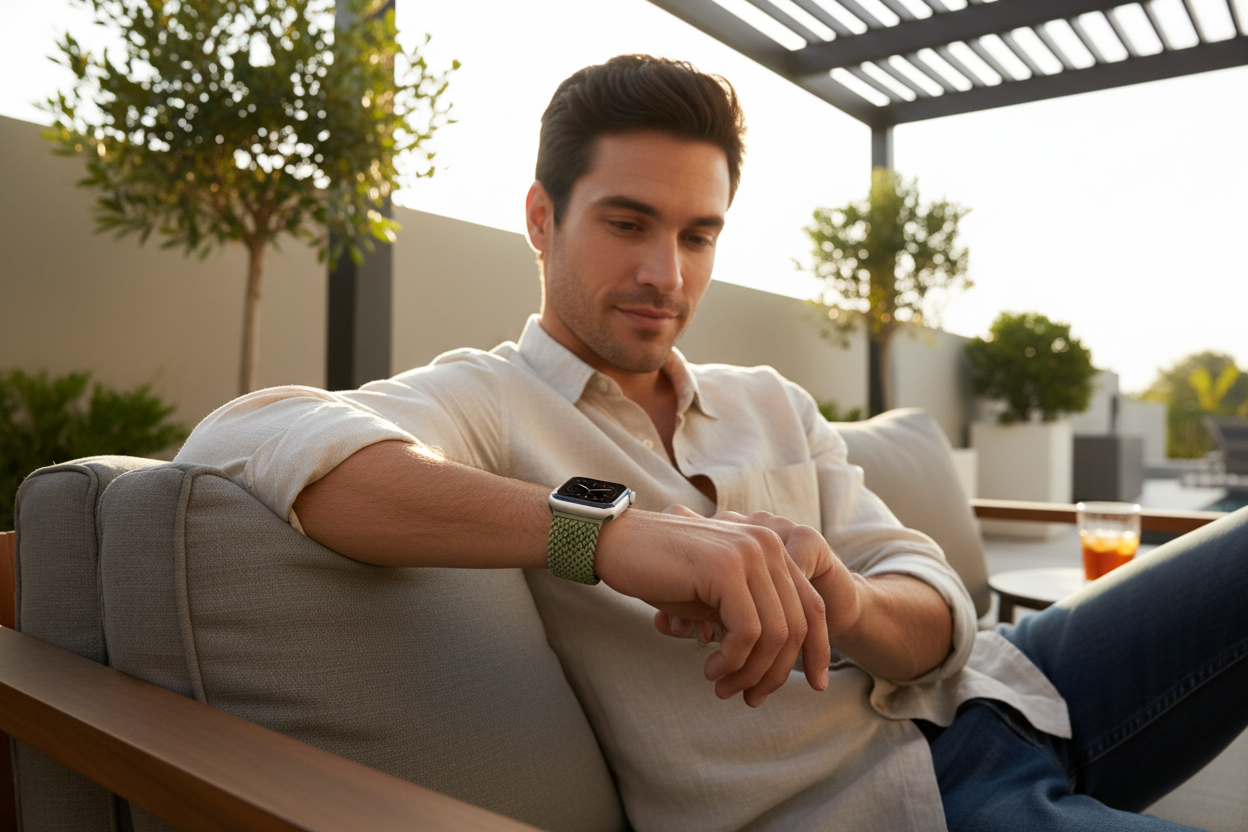
How to Automatically Change Your Apple Watch Face
Did you know you can automatically change your Apple Watch face based on the time of day or your location? Here's a quick step-by-step guide using the Shortcuts app.
Apple Watch
How to Save Your Apple Watch's Battery Life
Battery anxiety got you down? Discover the best tips to extend your Apple Watch's battery life without giving up the features you love.

Apple Watch
Take Control of Your Apple Watch Notifications: Silence, Disable, and Manage Like a Pro
Constant Apple Watch notifications getting in the way? Learn how to silence, disable, and manage alerts like a pro — so you can stay focused and distraction-free.
Apple Watch
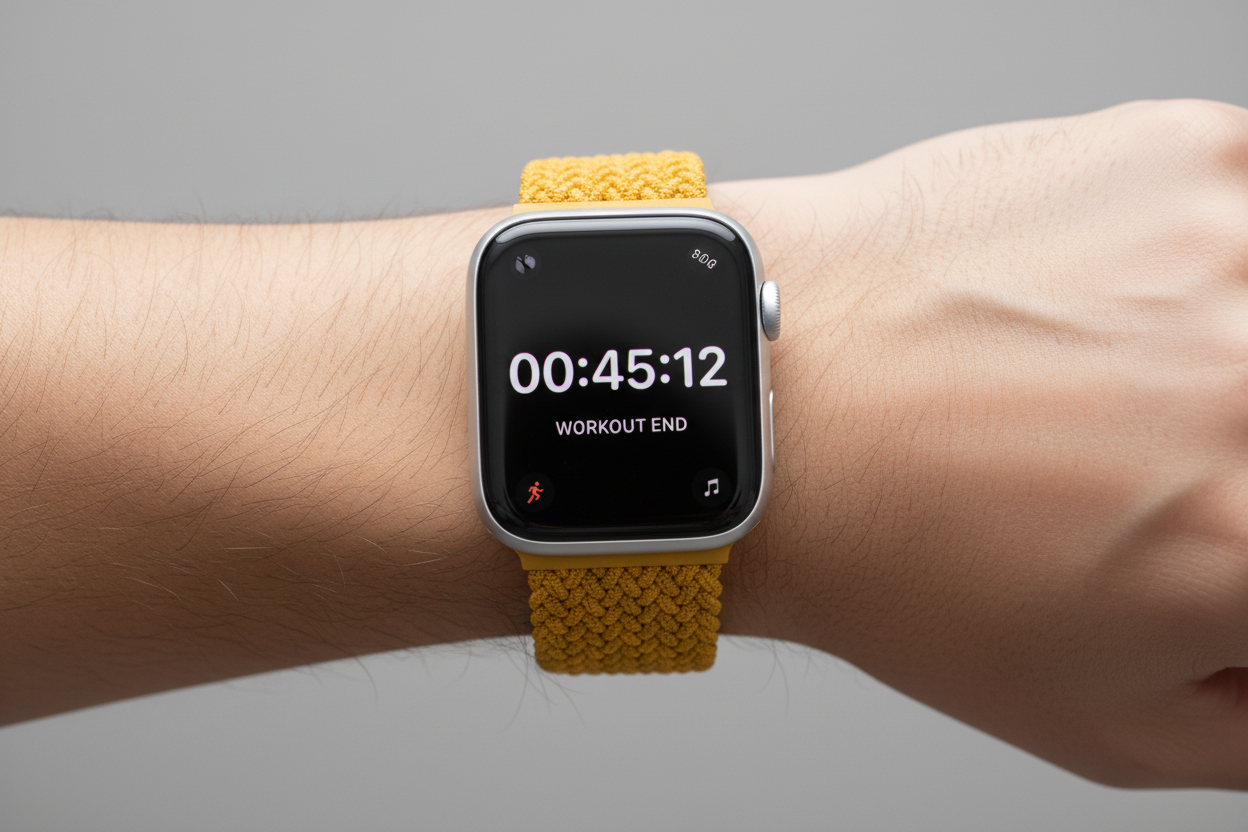
Getting the Most out of Your Apple Watch Timer Function
The Apple Watch timer is more powerful than most people realize. Here are 5 underutilized features that can help you get more out of it every day.

Apple Watch
Set It and Forget It: Auto-Switching Your Apple Watch Face
Changing your Apple Watch face manually for every activity is a hassle. Here's how to automate it based on time of day or location using the Shortcuts app.


