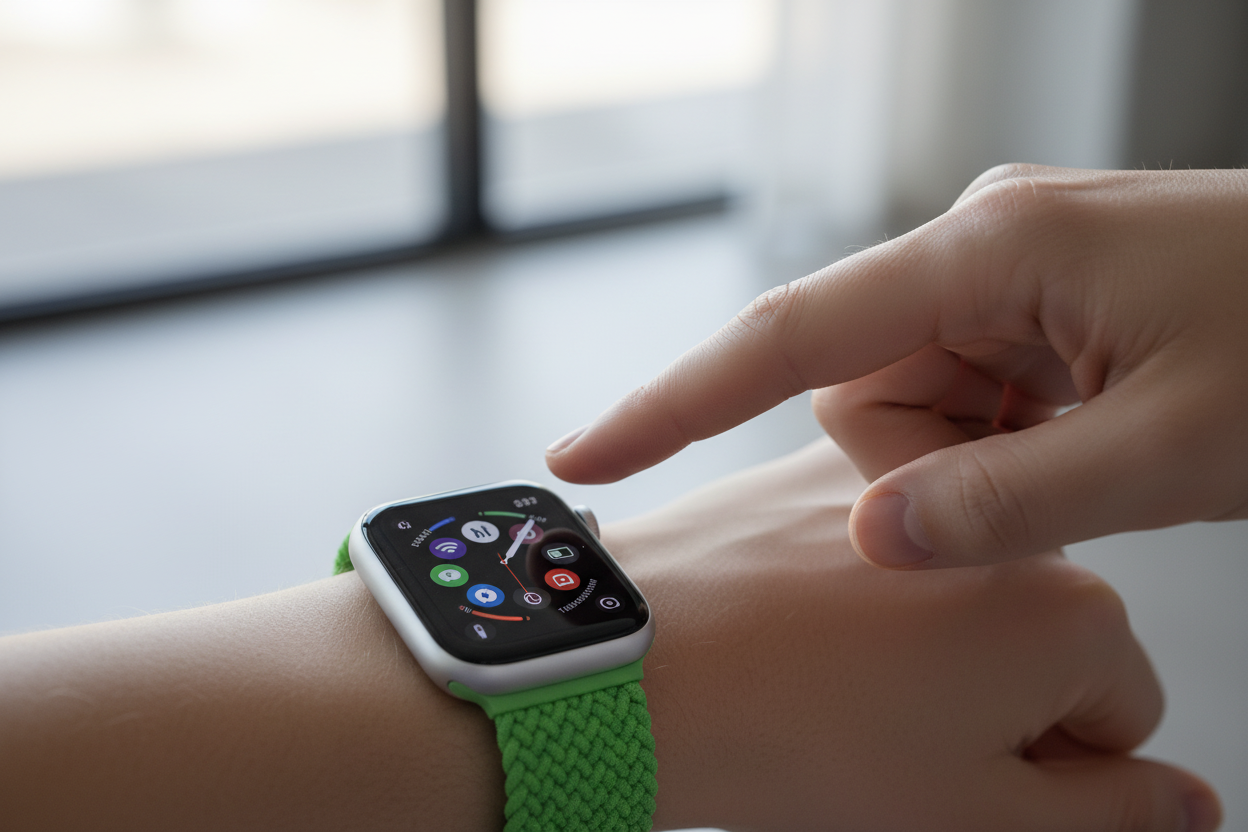
Good news, Apple Watch users! If you've ever found yourself juggling groceries, walking the dog, or simply trying to stay focused while your wrist buzzes with notifications, a new feature is coming your way that you're going to love: Wrist Flick.
What Is Wrist Flick?
Set to arrive with watchOS 26 (for Apple Watch Series 9, Series 10, and Ultra 2), Wrist Flick allows you to dismiss notifications, silence alarms, mute calls, and close the Smart Stack with a simple, well, flick of your wrist. This isn't just a minor tweak — it's a game-changer for hands-free interaction.
How It Works
Think of all those times your other hand is occupied. Previously, dealing with a notification meant using your free hand to tap the screen or cover the watch face. Now, with the power of the watch's accelerometer, gyroscope, and a clever machine-learning model, an intentional flick will send those distractions packing — bringing you right back to your watch face.
The Perfect Complement to Double Tap
Wrist Flick is the perfect complement to the existing Double Tap gesture. While Double Tap lets you delve deeper into a notification (like answering a call or responding to a message), Wrist Flick does the opposite — offering a quick and discreet way to decline, dismiss, or simply clear your screen. No more accidentally answering calls or opening apps when all you wanted was to clear the notification.
A Small Addition with Big Impact
Many of us have wished for a gesture like this, and it seems Apple has finally delivered. What might seem like a small addition on paper has the potential to significantly enhance the everyday usability of your Apple Watch. Get ready to embrace the flick!