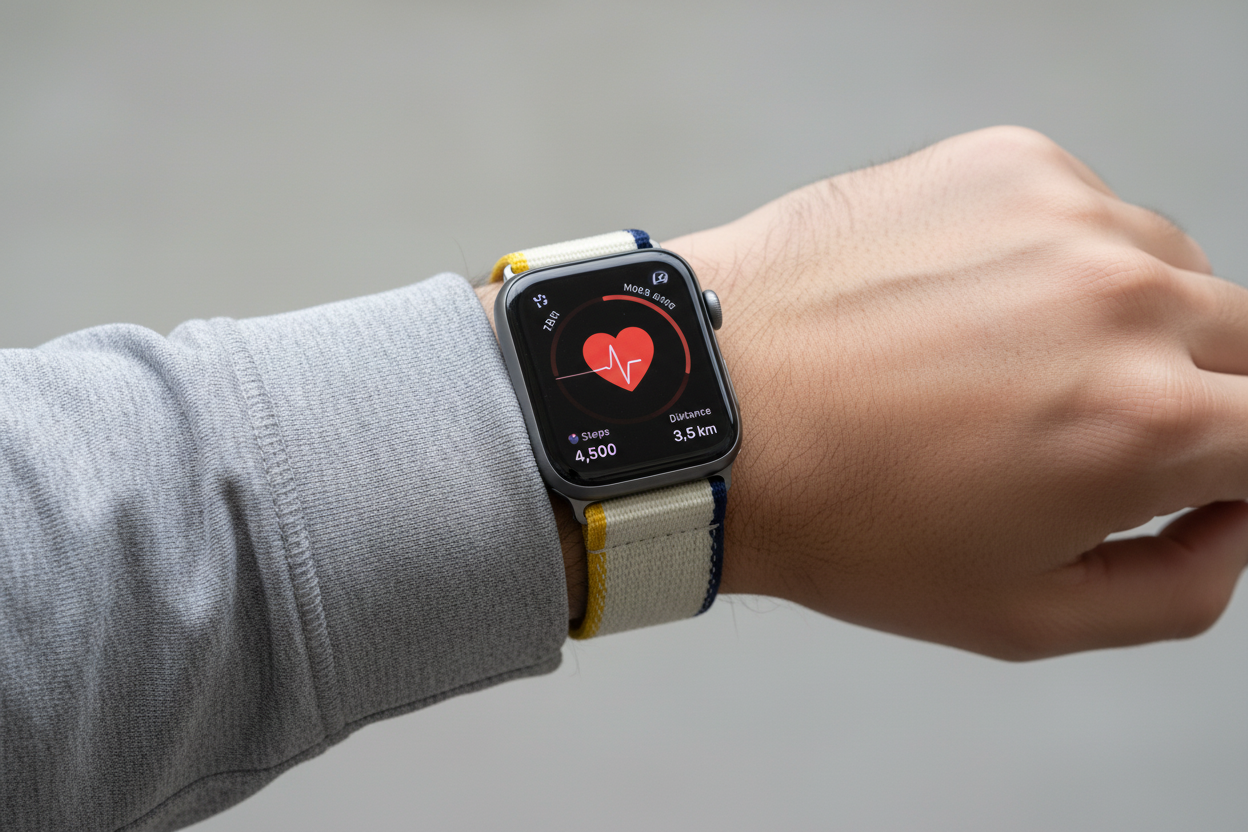
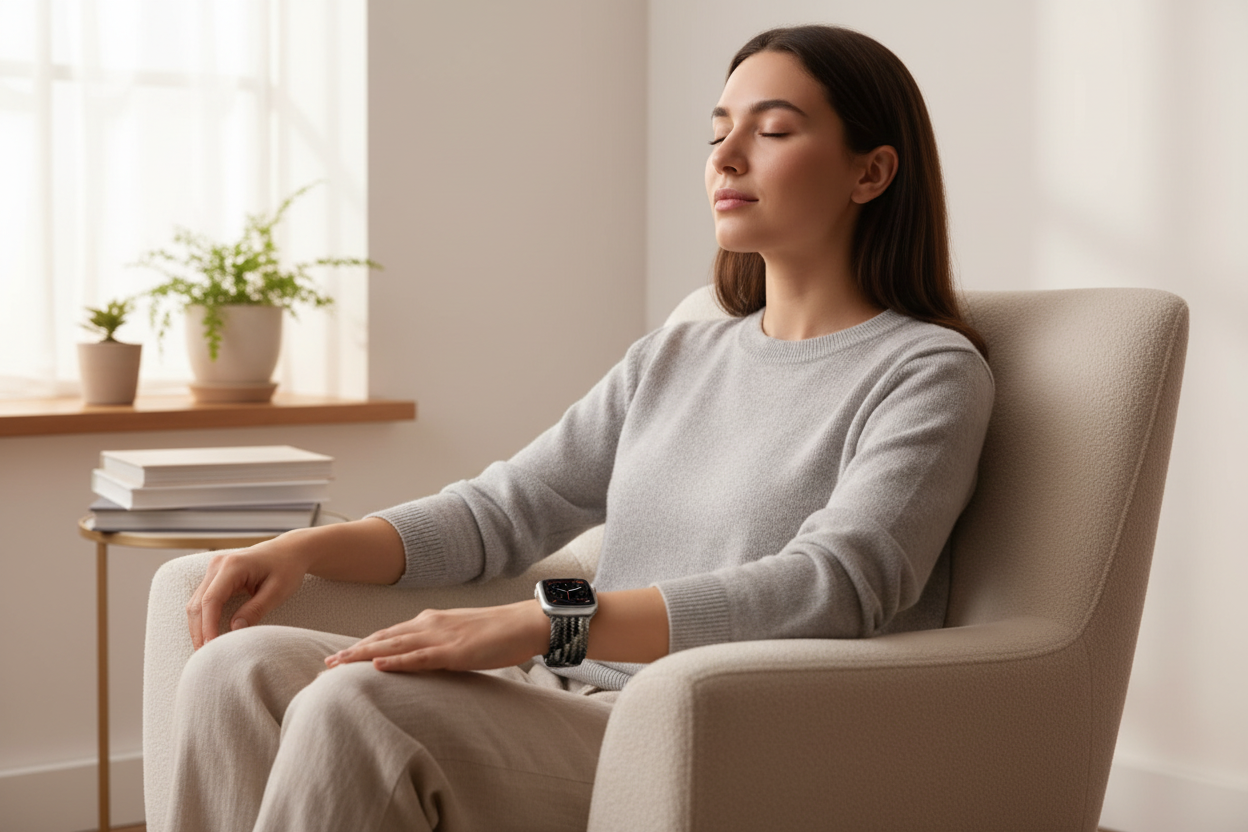
Sleep. It's the holy grail of health, productivity, and well-being. Yet for many of us, it's constantly elusive. Your Apple Watch might just be the secret weapon you've been searching for. Here are three ways it can help you get the rest you deserve.
1. Wind Down Like a Pro
Forget counting sheep! The Apple Watch Sleep app comes equipped with a "Wind Down" feature that eases your tech-addled brain into bedtime mode. Set a custom time before bed and your watch will gently guide you toward slumber with:
- Soft chimes: Ditch the harsh alarm and ease into relaxation with calming sounds.
- Silent alerts: Opt for silent notifications so your screen doesn't become a beacon of blue light during your pre-sleep wind-down.
- Focus mode: Silence calls and notifications — except from your chosen VIPs — to shut out the digital world when it matters most.
2. Dive into Your Sleep Data
Knowledge is power, especially when it comes to sleep. The Sleep app tracks your sleep stages (light, deep, and REM) along with your heart rate, giving you valuable insights into what's happening overnight. Did that extra slice of cake sabotage your REM cycle? Was the late-night workout behind your restless sleep? Now you'll know.
3. Rise and Shine, Gently
No more rude awakenings. Apple Watch's gentle vibration alarm is like a friendly tap on the shoulder — coaxing you out of dreamland without the jarring shock of a blaring ringtone. You can even set it to vibrate only during your ideal wake-up window, maximizing your chances of waking up refreshed and snooze-free.
Consistency is key! Sticking to a regular sleep schedule and using these Apple Watch features can work wonders for your sleep hygiene. Put on your PJs, strap on your watch, and say hello to sweet dreams.
Bonus Tip: Try an Ownloop band for your Apple Watch — making sleep monitoring both seamless and stylish.