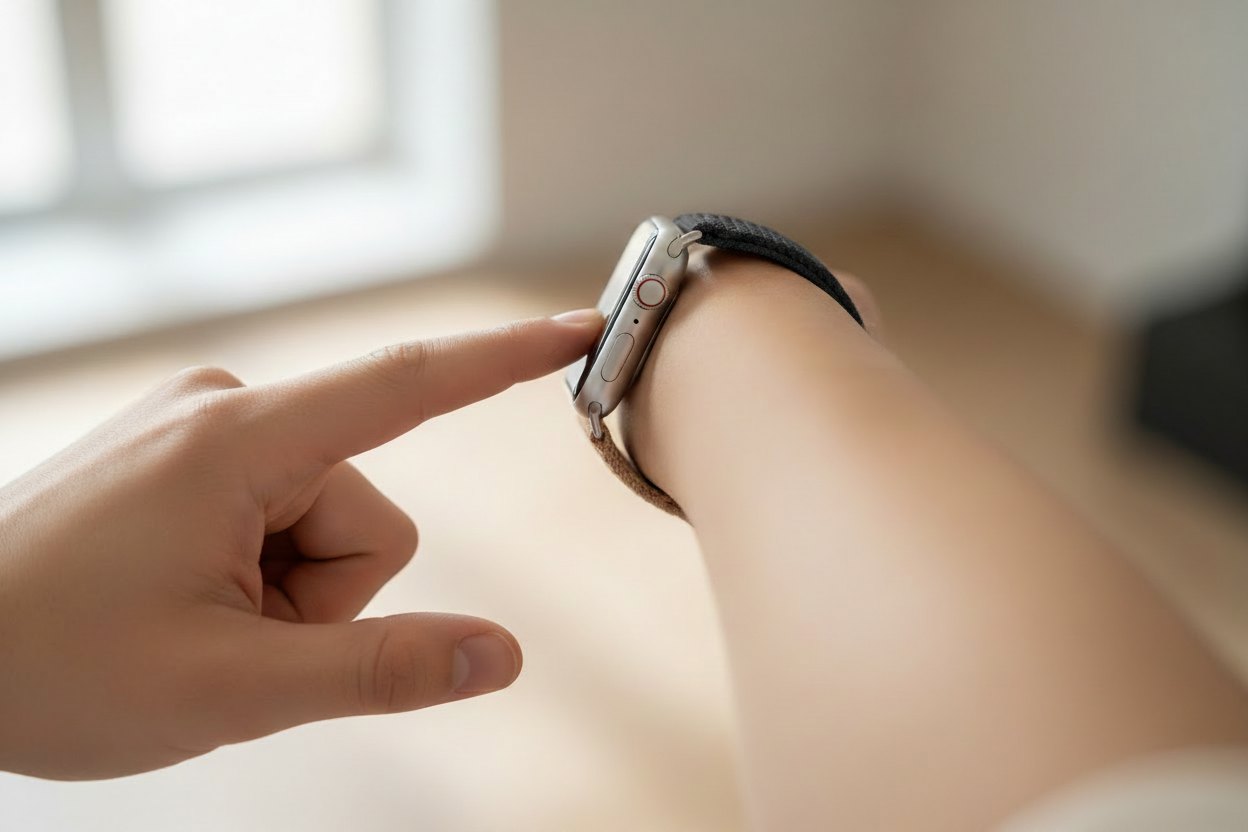
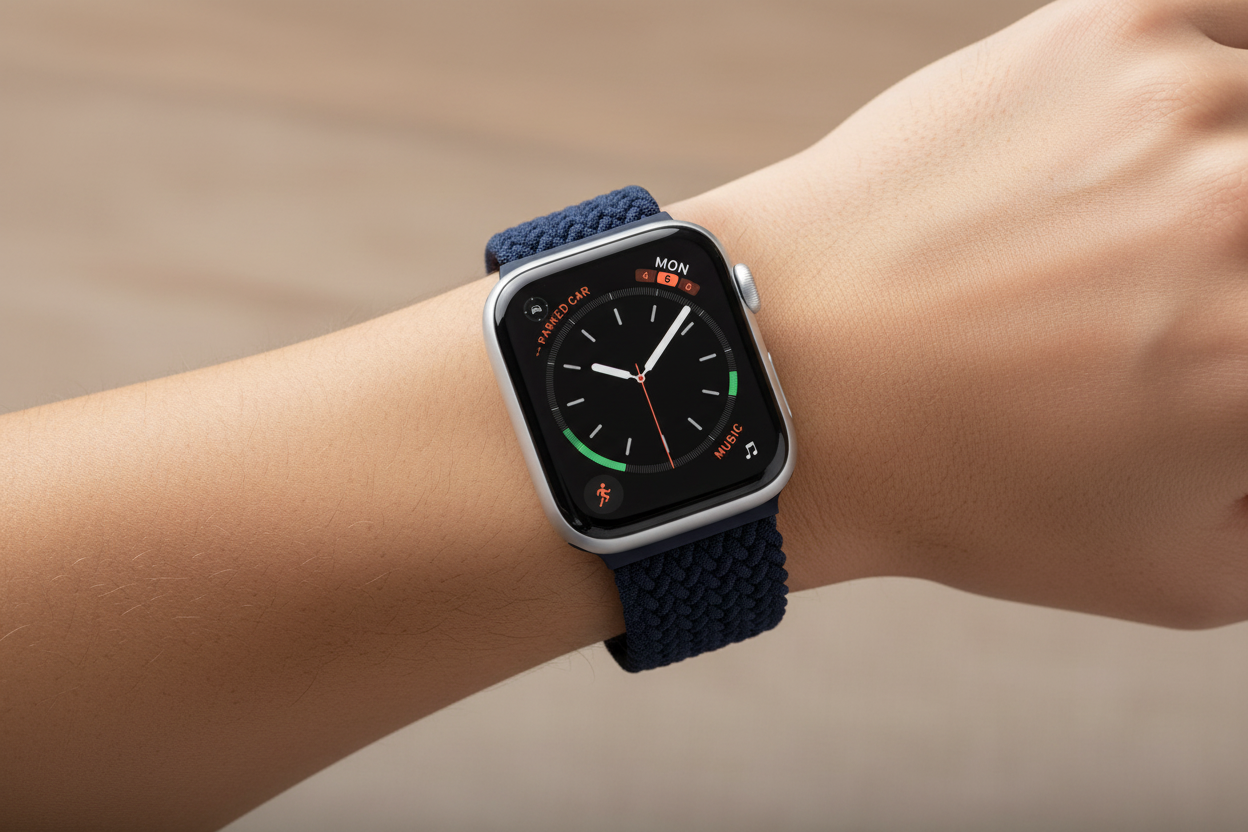
Finally, what we've all been waiting for — the QuickPath keyboard for the Apple Watch. This full keyboard, available on the Series 7, completely changes how you'll use your Apple Watch, prompting more of us to leave our phones at home. Here's what it feels like to use.
Leave Your Phone at Home for Real This Time
We use our iPhones to stay in touch with loved ones, friends, and colleagues. On previous Apple Watch models, the smaller screens without full keyboards meant they couldn't serve as a real alternative to our phones.
The 20% larger screen and QuickPath keyboard on the Series 7 don't exactly replicate the iPhone typing experience, but it still feels like a massive improvement. The larger screen and enhanced interface allow for 50% more text on screen, removing one of the most significant barriers to making typing on your watch feel natural. The buttons are bigger and easier to tap, you have more control over message formatting, and you can send longer messages without feeling cramped.
Forget Sending Messages — This Changes Everything
For those who want to say a little more from their watch, add emojis within messages, or choose the perfect GIF — this is what we've been waiting for. Messages and emails sent from your Apple Watch now feel less like auto-suggested responses and more like personal communications.
And even though the buttons are bigger, you'll still hit the wrong key now and then. Luckily, on-device machine learning helps predict the next letter or word, reducing the need to stop and correct mistakes. Beyond messaging, the full keyboard is also great for other tasks — like looking up directions on the fly without reaching for your phone.
So... What's the Verdict?
The 20% larger screen makes a big difference in the look and feel of the Series 7. Compared to the Apple Watch Series 3, it's a whopping 50% bigger. And while it's still a more limited experience compared to your iPhone, it feels great to use.
For Series 7 owners, the full keyboard and option to swipe or type full messages brings a whole new sense of control, completely changing the way you use your Apple Watch. It's a genuine step forward — and one that makes leaving your phone at home feel like a real possibility.
Follow us on Instagram @ownloop for all our latest content, and visit ownloop.com for the most comfortable Apple Watch bands around.