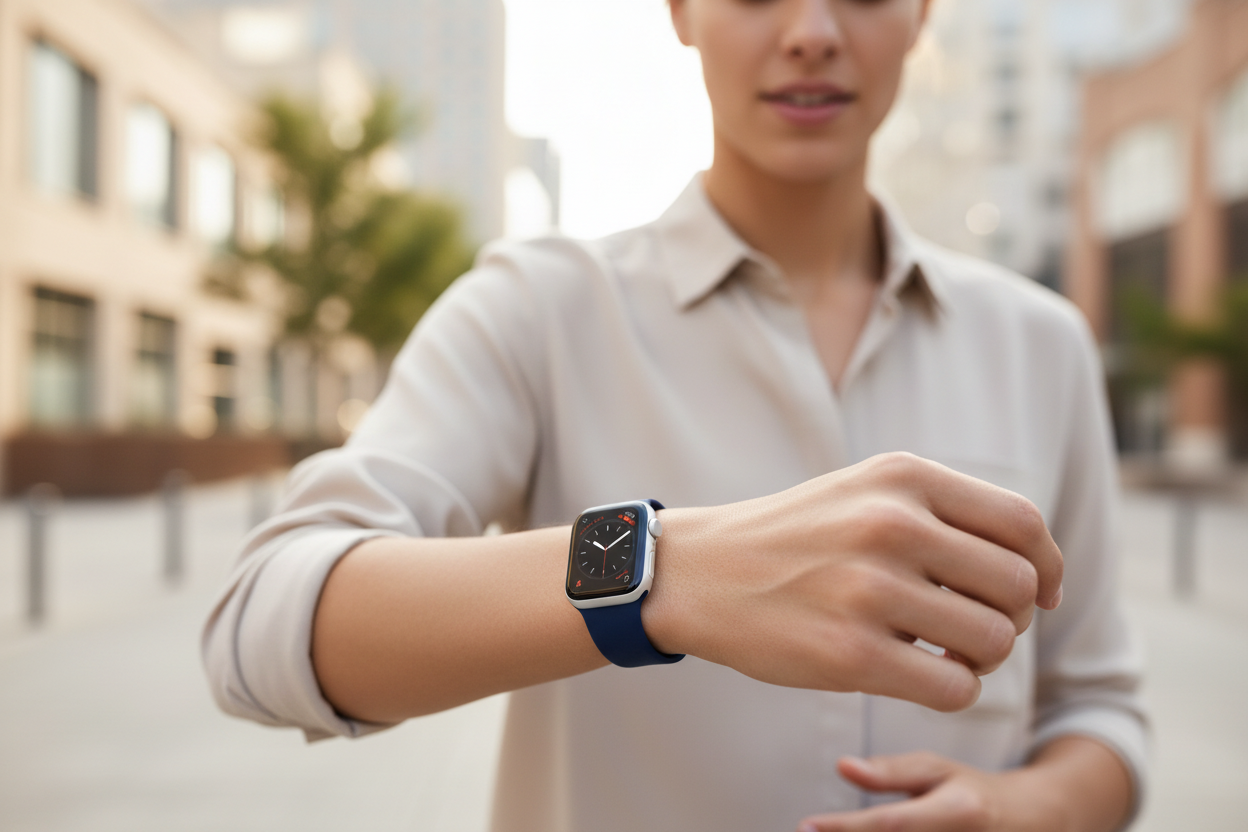
The Apple Watch is a great tool for simplifying your life — but with such a small screen relative to your iPhone, trying to do too much with it can quickly make things more complicated. Here are some of our favorite ways the Apple Watch can genuinely simplify your day.
When to Use Your Apple Watch Instead of Your iPhone
The Apple Watch isn't an iPhone replacement — it's an iPhone companion. Trying to use it the same way you use your phone tends to be inefficient. Here are five things that are more conveniently done right from your wrist:
1. Timers, Alarms, Date, and Time
The classic watch functions are much better on the Apple Watch than the iPhone. No need to pull your phone out and dig through apps — set a timer in seconds from your wrist.
2. Apple Wallet
Double-press the side button for quick access to your Wallet — transit passes, plane tickets, credit cards, and more. It's also a great backup if you forget your physical wallet or iPhone.
3. Media Controls
The Apple Watch can control any media you're listening to, giving you instant access to playback and volume controls without reaching for your phone. The perfect companion for music listening.
4. Directions
Haptic feedback makes turn-by-turn directions on your Apple Watch feel natural while driving. Walking directions are even better — just a quick glance at your wrist and you're on your way.
5. Reminders
With your watch on your wrist, there's no better place for reminders. Just lift your wrist and say "Hey Siri, remind me to..." When a reminder fires, you can mark it complete or snooze it instantly.
Use Complications to Your Advantage
Complications are any additional apps or information — beyond the time — that you can add to your watch face. They give you instant access to your most-used features at a glance. Some of our favorites include:
- Weather
- Timer
- Date
- Reminders
- Workouts
- Shazam
- Music streaming apps
- Blood oxygen
- Heart rate
- Walkie-Talkie
Keep in mind that your watch face dictates which complications are available and how they appear. Choosing a watch face based on its available complications is a smart move — and a great way to efficiently access your most-used Apple Watch features every day.
Follow us on Instagram @ownloop for all our latest tips, and visit ownloop.com for the most comfortable Apple Watch bands around.