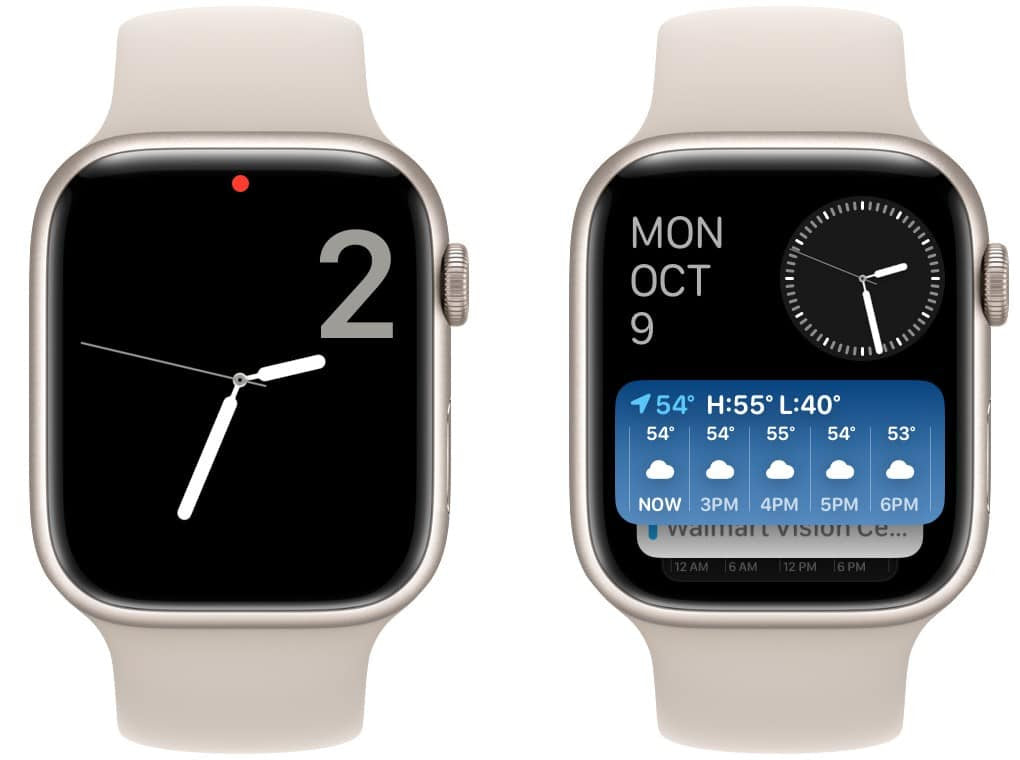
Your Apple Watch is more than a tech accessory — it's an extension of your personality. So why settle for the default? Here's a guide to some of the coolest Apple Watch faces and how to find the perfect one for your style and needs.
How to Add a New Watch Face
Swapping your watch face is easy. Just tap and hold on your current face, swipe all the way to the right, and tap the "+" icon. Browse the gallery and tap Add when you find one you love.
Top Picks for Every Personality
Fitness Freak? → Activity
The Activity face is your champion. It showcases your Move, Exercise, and Stand rings front and center, with space for three additional complications like weather, workout data, or heart rate.
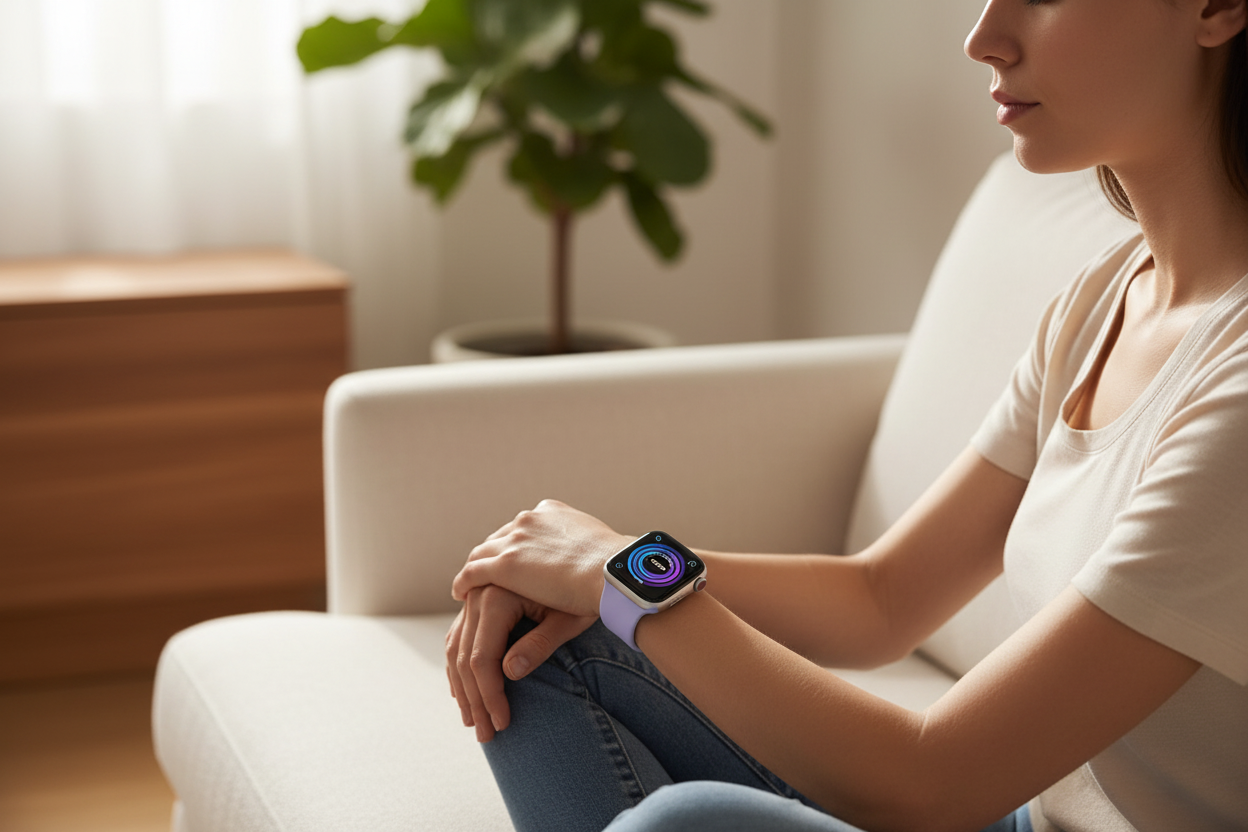
Zen Master? → Breathe
Find your calm with the Breathe face. This simple analog clock features soothing animations and slots for three complications like the Mindfulness app, weather, or heart rate.
Night Owl? → Numerals Duo
For a sleep-friendly option, try Numerals Duo. Big, clear numbers make it easy to check the time during late-night moments without activating sleep mode and locking down your watch.
Complication King or Queen? → Infograph
Infograph takes the crown with a whopping eight complication slots — four in the corners and four cleverly arranged in the center. The ultimate face for information lovers: display your schedule, messages, music, maps, and more all at once.
These are just a few ideas to get you started. With tons of built-in options and third-party apps, there's a watch face out there that's perfectly you. Go forth and personalize!
Pair your personalized Apple Watch face with the most comfortable bands you'll ever wear!