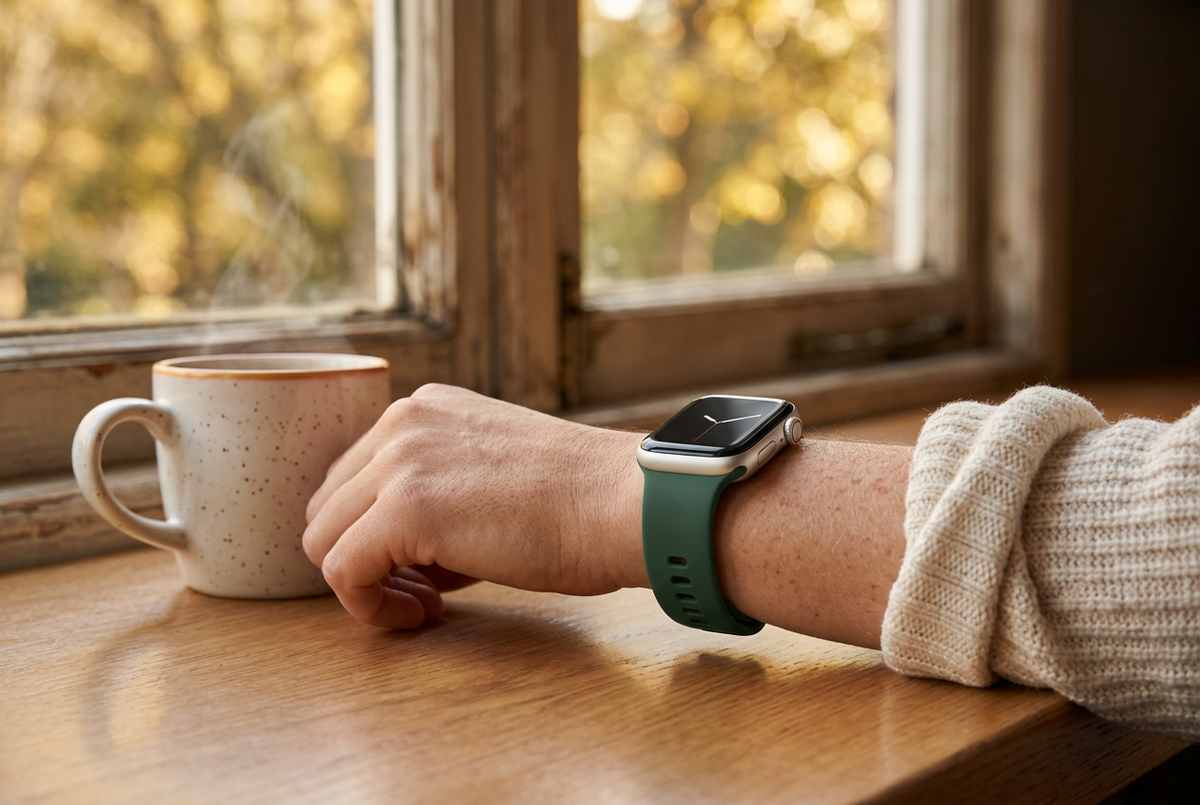
The Apple Watch Ultra 4 keeps the familiar 49mm rugged titanium design while focusing its upgrades on performance, health tracking, battery life, and on-device intelligence. With a starting price of $799, is it worth upgrading from the Ultra 3?
Here’s a closer look at the differences and what they could mean for your everyday routine.
Performance: S11 Chip and More Memory
The Ultra 4 introduces Apple’s S11 chip, replacing the S10 processor in the Ultra 3. Memory also increases from 2GB to 4GB, providing more room for multitasking and on-device processing.
For anyone who uses their watch throughout the day for workouts, apps, and connected features, these internal changes are a key part of the upgrade.
Health Tracking and Daily Readiness
The Ultra 4’s updated Health Sensing System combines a second-generation electrical heart sensor with an always-on optical heart sensor. Heart rate variability (HRV) is measured up to 24 times more frequently, adding more detail to recovery and stress tracking.
A new Readiness app brings sleep scores, vitals, and training load together into a daily score from 0 to 10. Recommendations include Recover, Pace Yourself, Ready, and Go For It, helping you consider how hard to push on a given day.
Dedicated watch face complications also make steps and heart rate easier to check at a glance.
Battery Life and Faster Charging
Long battery life remains a major reason to choose an Ultra. The Ultra 4 extends the stated runtime in both standard use and Low Power Mode:
- Standard use: Up to 50 hours on Ultra 4, compared with 42 hours on Ultra 3.
- Low Power Mode: Up to 84 hours, compared with 72 hours.
- A 15-minute charge: Up to 18 hours of battery life, compared with 12 hours.
Those longer runtimes may be especially useful for travel, extended outdoor days, and fitting sleep tracking around your charging routine. Actual battery life varies with use and settings.
Audio Intelligence Features
The S11 chip also powers a set of on-device Audio Intelligence features:
- Live Rewind: Double-press the Digital Crown to pull up a 15-second text transcript of recent spoken conversation.
- Siri Recap: View key takeaways and summaries of past meetings or conversations in the Siri app.
- Sound Recognition: Receive alerts for sounds such as sirens, doorbells, alarms, or crying babies.
- Instant Shazam: Identify ambient music and see track information in the Smart Stack.
These additions broaden the watch’s usefulness beyond fitness, with tools for everyday convenience and accessibility.
Should You Upgrade from Ultra 3?
If you are happy with your Ultra 3, the familiar exterior alone is unlikely to persuade you to switch. The stronger reasons to consider Ultra 4 are its longer battery life, additional memory, recovery-focused tracking, and new audio features.
For endurance athletes, outdoor enthusiasts, and people who rely heavily on their watch throughout the day, those improvements may make the upgrade worthwhile. If your current watch already meets your needs, focus on which new features you would actually use before making the jump.
Make Your Watch Your Own
Whether you keep your current Apple Watch or choose a newer model, a comfortable band can refresh your everyday setup. Explore Ownloop’s Apple Watch bands and check the size and compatibility details before choosing your fit.