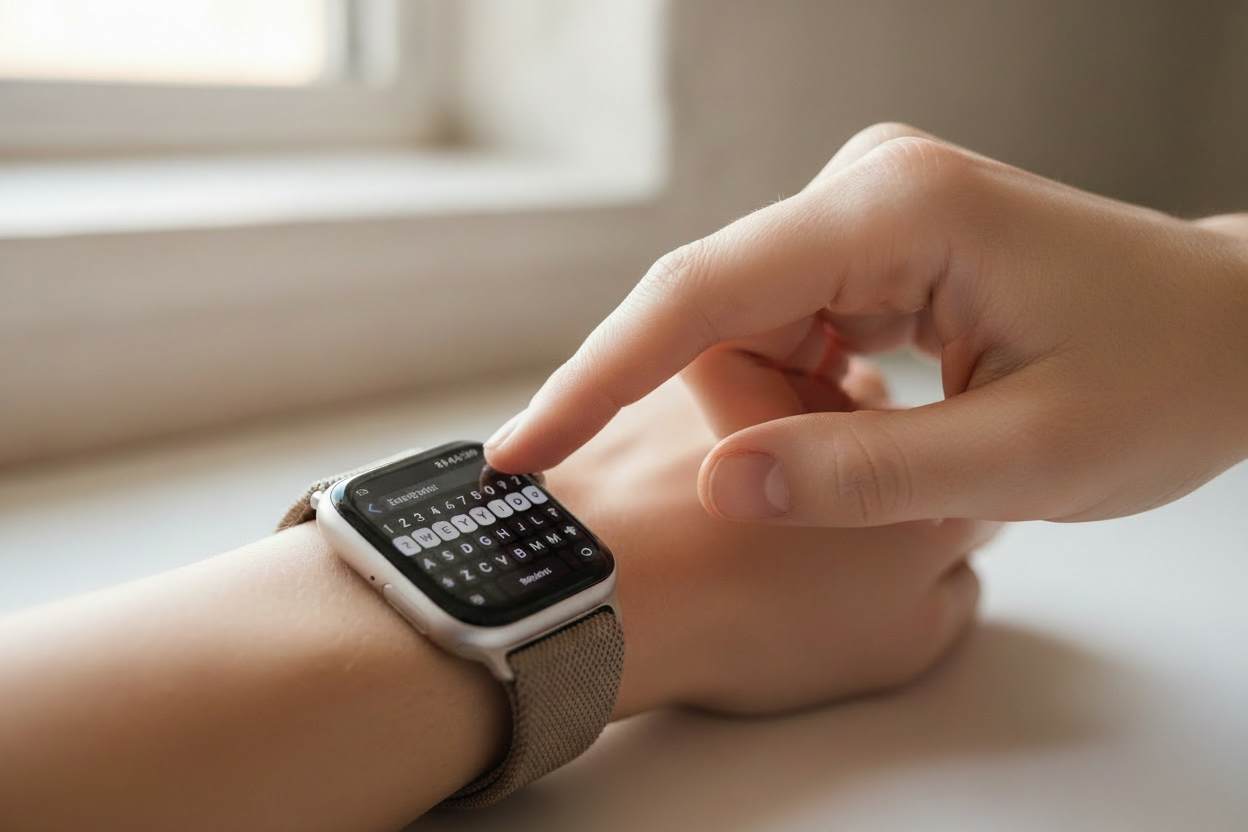
If your Apple Watch is married to your wrist (like most of us), you probably know your fair share of lesser-known tips and tricks. But here are five Apple Watch tips you might not have heard about yet!
1. Edit Your Messages as You Dictate Them
We've all been there — you're dictating a message and see that your watch got a word wrong, but figured it's too much of a hassle to fix. Luckily, there's an easy solution! Your Apple Watch lets you edit specific words within your dictation on the fly.
When you spot an error, tap on the incorrect word and select the microphone. Repeat the word, and your Apple Watch will replace it with the new input. This makes tackling longer messages right from your wrist much easier.
2. Beef Up the Haptics So You Never Miss a Notification
Want to make sure you always feel your watch vibrate? Head to Settings on your Apple Watch, scroll down to Sounds & Haptics, then scroll to Haptics > Haptic Alerts and select Prominent. Prominent haptics are also longer, making it much easier to sense calls or messages on the go.
3. Access Control Center from Any App
You probably know that swiping up reveals Control Center and swiping down shows Notification Center — but the typical swipe doesn't work when you're inside an app. Instead of pressing the Digital Crown to exit first, try this: tap and hold the bottom of your screen, then swipe up to access Control Center. The same trick works for Notification Center from the top of the screen.
4. Have Siri Read the Time for You
Some watch faces are beautifully abstract but can be tricky to read at a glance. Here's how to have Siri read the time aloud:
- Open Settings on your Apple Watch and scroll down to Clock
- Scroll down and enable Speak Time
- From your watch face, tap and hold with two fingers to hear the time read aloud
Now you can rock those crazy abstract watch faces with confidence!
5. Choose the Right Band for the Occasion
Some people wear the same watch band to work, the gym, and a night out — but having a few different bands for different occasions can make a big difference in both comfort and style. Think of it like choosing the right shoes: the right band for the right moment just makes sense.
Explore our full range of Apple Watch bands at ownloop.com and find the perfect band for every occasion.
Follow us on Instagram @ownloop for all our latest content!